Why Choose InetSoft as an Alternative to Grafana?
Selecting the right tool for data visualization and business intelligence is crucial for effective decision-making and operational efficiency. While Grafana is a popular choice for monitoring and visualization, especially in IT and DevOps, InetSoft offers a broader set of features tailored to comprehensive business intelligence needs.
This article outlines the advantages of choosing InetSoft as an alternative to Grafana, focusing on its unique strengths and capabilities.
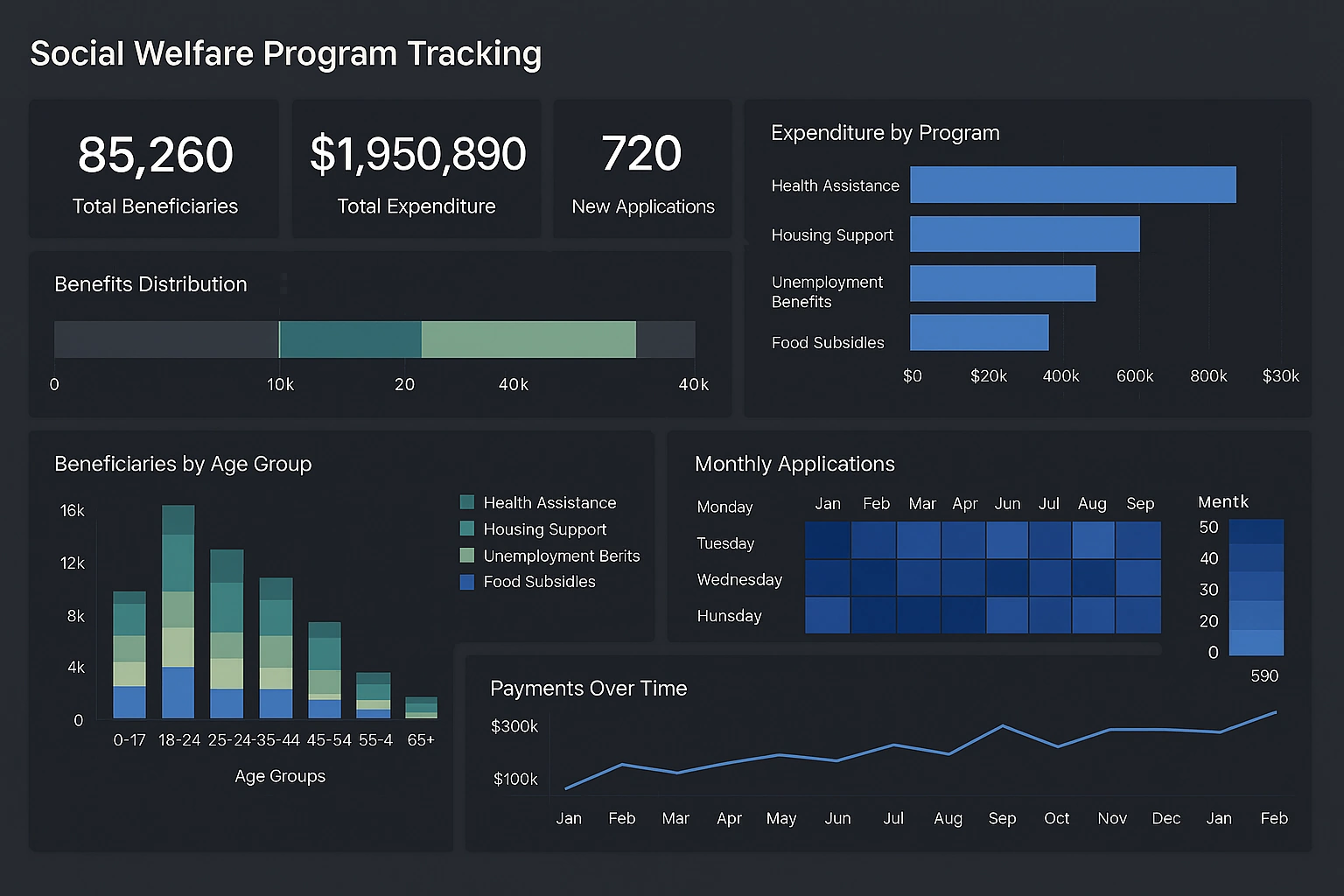

Overview of InetSoft and Grafana
Grafana is well-known for its strong open-source platform that excels in real-time monitoring and visualization of time-series data. It supports a wide range of data sources and is favored for infrastructure and application performance monitoring.
InetSoft is an enterprise-grade business intelligence platform that extends beyond monitoring to include data integration, dashboard creation, reporting, and advanced analytics. It serves a variety of industries and supports both operational and analytical use cases.
1. Full-Spectrum Business Intelligence
InetSoft provides a comprehensive BI environment that combines data analysis, reporting, and visualization. Unlike Grafana, which mainly targets metric visualization, InetSoft enables multidimensional analysis and ad hoc reporting, allowing users to explore data deeply and from multiple perspectives.
The platform also supports detailed, pixel-perfect reports necessary for formal presentations, compliance, and regulatory requirements—capabilities not natively available in Grafana.
2. Extensive Data Integration
InetSoft connects seamlessly to a wide array of data sources, such as relational databases, big data systems, cloud platforms, and web services. Its data mashup technology allows blending of multiple data sources without complex ETL processes.
Grafana primarily integrates with time-series and monitoring data sources. While it supports plugins for additional sources, its integration flexibility is less suited for complex BI environments.
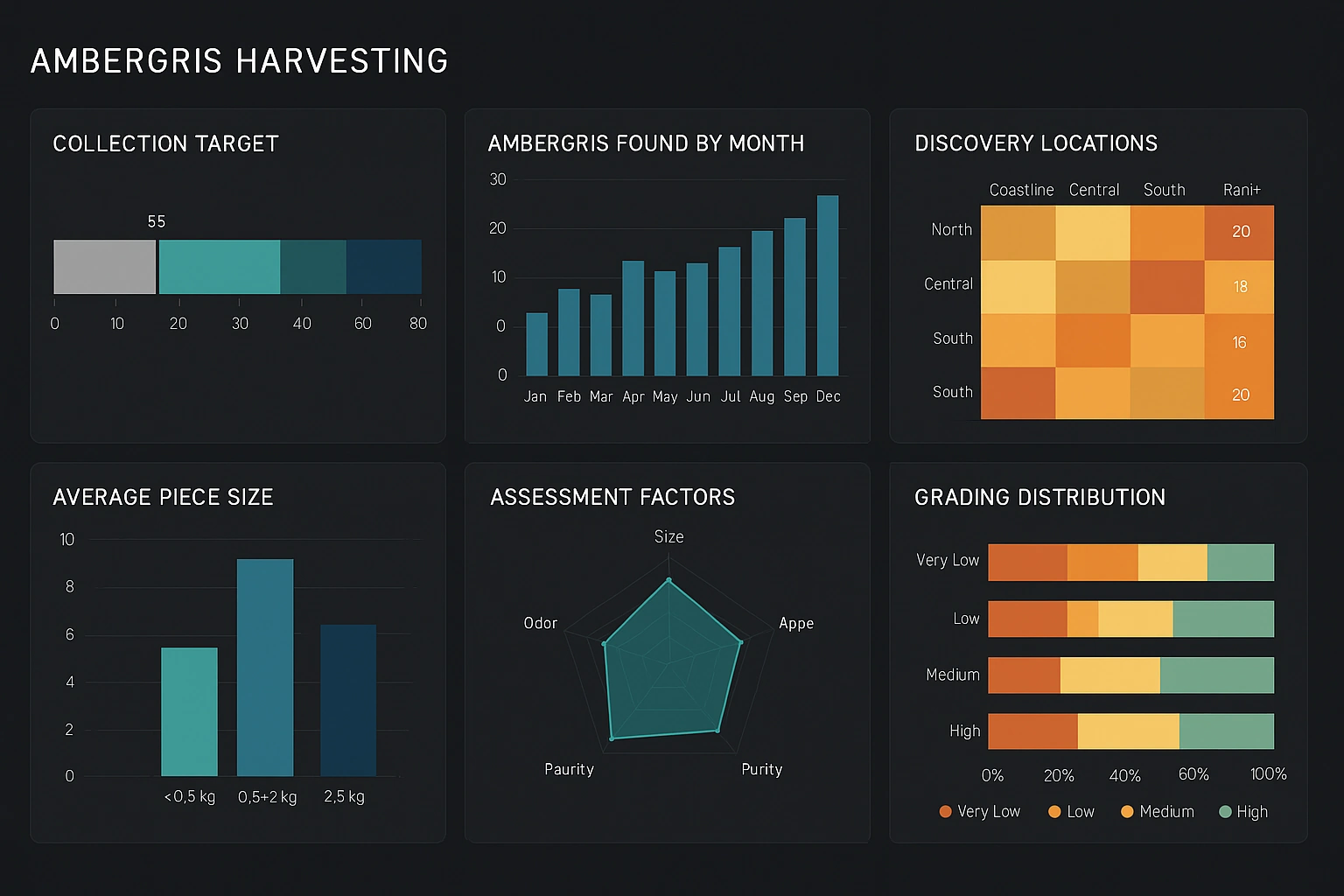
3. Intuitive and Interactive Dashboards
InetSoft's dashboard design tools emphasize ease of use for business users. With drag-and-drop functionality and interactive features like drill-downs and filters, users can customize and explore data without needing advanced technical skills.
Grafana offers highly customizable dashboards but often requires more technical expertise, which can limit accessibility for broader business audiences.
4. Scalability and Enterprise Features
InetSoft supports enterprise-grade deployment with features like multi-tenancy, high availability, and load balancing. This architecture ensures consistent performance and reliability at scale.
While Grafana scales well for monitoring, it typically requires supplementary tools and infrastructure to address full enterprise BI needs such as report scheduling and governance.
5. Advanced Reporting and Exporting
InetSoft excels in generating detailed reports that can be scheduled and exported in multiple formats, including PDF, Excel, and HTML. This capability supports formal communication and compliance requirements.
Grafana’s reporting capabilities are more basic and generally focus on real-time dashboard visualization rather than comprehensive report generation.
6. Robust Security and Governance
InetSoft offers advanced security features, including user authentication, role-based access control, and data governance mechanisms. These ensure data protection and appropriate access across complex organizational structures.
Grafana includes essential security features and integrates with authentication systems, but InetSoft’s security model is more extensive, designed for enterprises with stringent security policies.
7. Dedicated Support and Services
InetSoft provides professional customer support and consulting services to assist with deployment, customization, and training. This helps organizations maximize the value of their BI investments.
Grafana offers community support and documentation, with paid enterprise support available separately, which may involve additional costs.
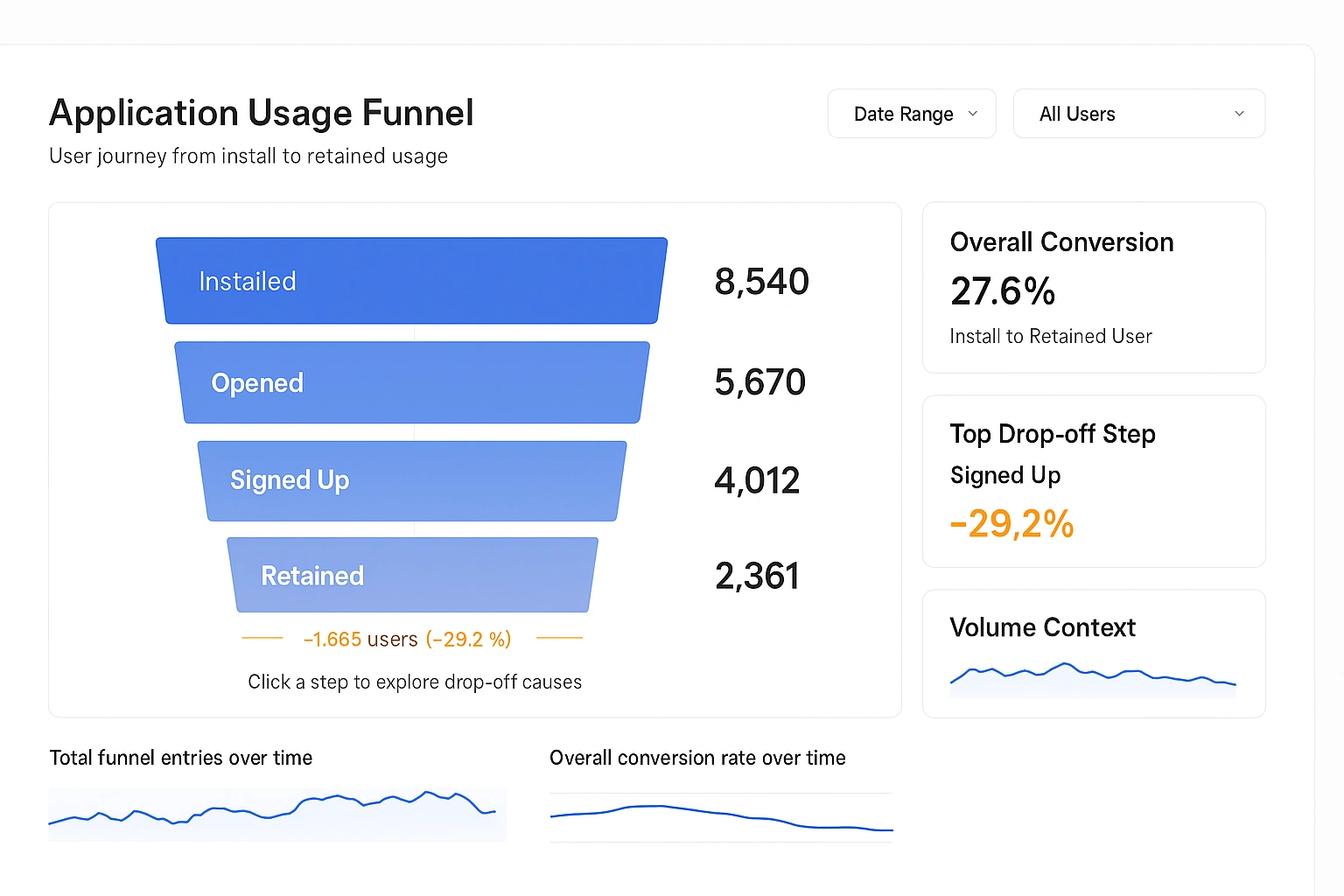
Comparing Open Source StyleBI to Grafana
When choosing a data visualization and business intelligence tool, two open source options that often come up are StyleBI and Grafana. Both platforms provide powerful capabilities for creating dashboards and visualizing data, yet they serve somewhat different purposes and audiences. This comparison highlights key differences and similarities between StyleBI and Grafana across aspects such as usability, data integration, visualization features, customization, and community support.
Purpose and Focus
Grafana is primarily designed as a monitoring and observability platform focused on real-time time-series data. It is widely used in IT operations, DevOps, and infrastructure monitoring, offering rich visualizations for metrics from sources like Prometheus, InfluxDB, and Elasticsearch. Grafana excels in alerting, plugin extensibility, and dashboard sharing for real-time monitoring environments.
StyleBI, in contrast, positions itself as an open source business intelligence and data visualization platform with a broader analytical scope. It aims to provide interactive dashboards and reports suitable for business users across various industries. StyleBI focuses on combining data from multiple sources into unified visualizations and facilitating exploratory data analysis beyond time-series monitoring scenarios.
Data Integration and Connectivity
Grafana supports numerous data sources, especially time-series databases, cloud monitoring services, and logging systems. Its plugin architecture allows extending connectivity to various sources, but the core strength lies in real-time monitoring and performance metrics.
StyleBI offers connectors for relational databases, big data platforms, and web APIs, emphasizing data mashup capabilities. It allows users to blend data from diverse sources without complex ETL processes, making it suitable for more complex business intelligence scenarios where data resides in multiple heterogeneous systems.
Visualization and Dashboarding
Grafana provides a wide array of visualizations optimized for monitoring applications, such as time-series graphs, heatmaps, gauges, and alert panels. Its dashboards are highly customizable but are optimized for technical users with knowledge of query languages and monitoring concepts.
StyleBI offers interactive dashboards with drag-and-drop design features aimed at business users. It supports a variety of chart types and allows users to perform drill-downs, filtering, and data slicing dynamically. This user-friendly approach enables non-technical stakeholders to explore data and gain insights without deep technical expertise.
Customization and Extensibility
Grafana's plugin ecosystem is extensive, allowing users to add new data sources, panels, and app plugins. This extensibility makes it highly adaptable for specialized monitoring needs and integration with existing DevOps toolchains.
StyleBI, while offering customization options, focuses more on providing a straightforward user experience with pre-built connectors and template dashboards. Its extensibility is less focused on plugins and more on enabling flexible data modeling and visualization within the platform.
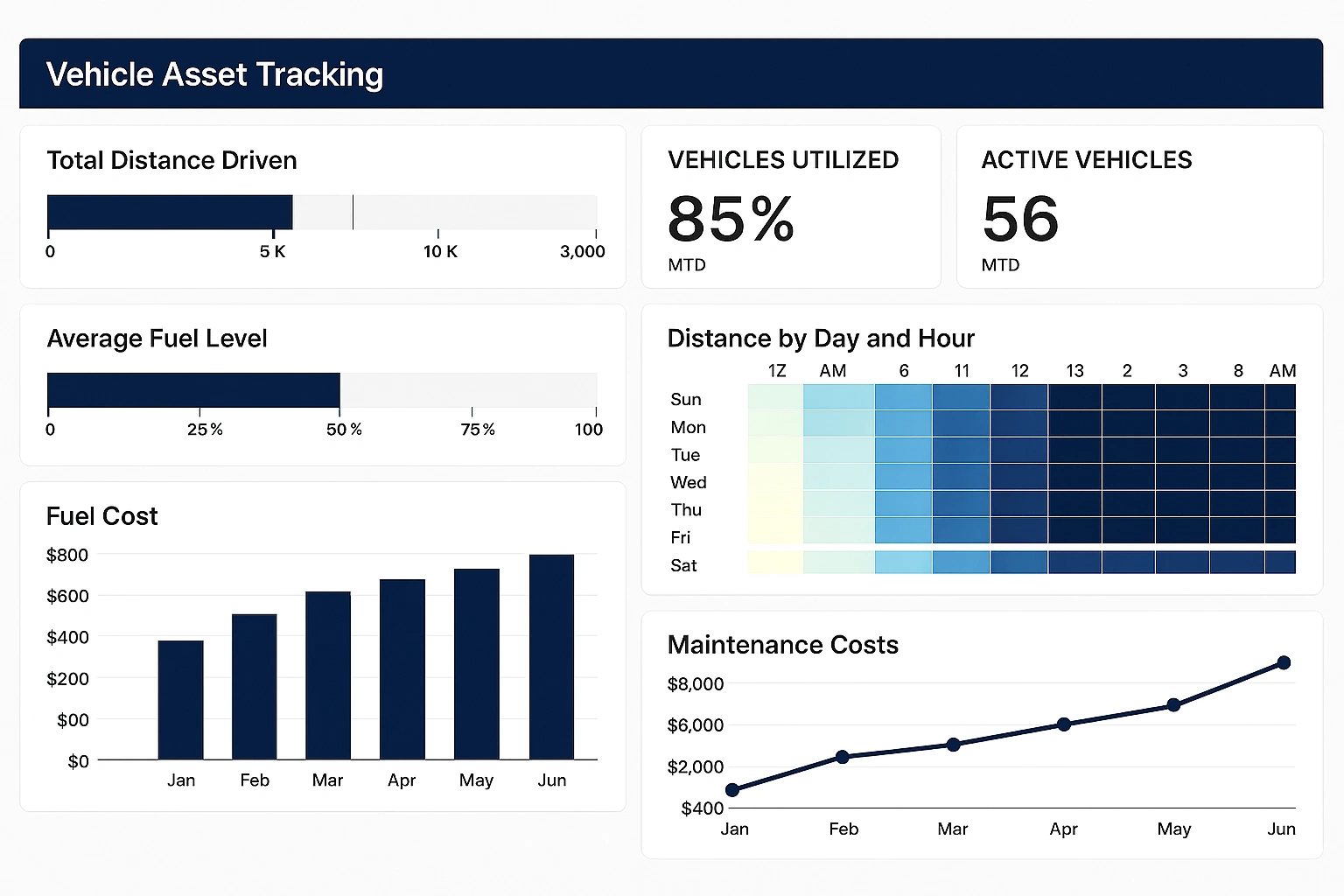
Reporting and Exporting
Grafana’s reporting capabilities are evolving but remain limited mainly to dashboard snapshots and basic PDF exports available in its enterprise edition. It is primarily designed for live dashboards rather than scheduled or detailed report generation.
StyleBI includes features for generating detailed reports that can be exported in various formats like PDF and Excel. This makes it better suited for formal reporting requirements where scheduled distribution and polished report presentation are important.
Security and Access Control
Both platforms provide essential security features such as user authentication and role-based access control. Grafana supports integration with enterprise authentication systems and offers fine-grained permissions at the dashboard and data source levels.
StyleBI also delivers role-based security, focusing on ensuring that users only access data relevant to their role. Its security model is designed to protect sensitive business data in multi-user environments.
Community and Support
Grafana benefits from a large and active open source community, extensive documentation, and numerous third-party resources. Its enterprise edition provides professional support and additional features for organizations requiring advanced service levels.
StyleBI, being a newer or smaller open source project, has a smaller community but focuses on engaging with users through forums and documentation. Commercial support options may vary depending on the provider or deployment model.