Why Choose Open Source StyleBI Over Graphic Walker?
When you are deciding between open source analytics tools, the real question is not just “Can it draw charts?” but “Can this become the backbone of my organization’s business intelligence?” StyleBI and Graphic Walker both live in the open source ecosystem, but they occupy very different roles.
StyleBI is designed as a full-stack BI platform with data transformation, dashboards, and reporting, while Graphic Walker is positioned as an embeddable visual analytics component and a lightweight alternative to tools like Tableau for data scientists.


1. End-to-End BI Platform vs. Visualization Component
StyleBI provides a full-stack BI environment that includes:
- Integrated data transformation pipeline
- Visualization engine with guided design
- Dashboard and reporting capabilities
- Self-service analytics for business users
Graphic Walker focuses on exploratory visual analysis with drag-and-drop operations and natural language queries. It is ideal for embedding into custom applications but does not function as a standalone BI server.
2. Deployment Flexibility and Lightweight Architecture
StyleBI offers:
- A small-footprint Docker container
- Easy deployment on laptops, servers, or cloud environments
- Simplified upgrades and infrastructure automation
- A turnkey BI server ready for analysts and business users
Graphic Walker requires you to build the surrounding infrastructure—authentication, governance, scheduling, and data access—because it is a component rather than a platform.
3. Built-In Data Transformation and Modeling
StyleBI includes a data preparation layer, enabling teams to:
- Clean and reshape data
- Join multiple sources
- Standardize KPIs and metrics
- Deliver governed, repeatable analytics
Graphic Walker assumes the data is already prepared. It excels at exploration but does not provide modeling or transformation capabilities.

4. Dashboards, Reporting, and Delivery Options
StyleBI supports:
- Interactive dashboards for desktop and mobile
- Scheduled reporting with pagination
- Multi-channel delivery formats
- Operational BI workflows
Graphic Walker focuses on interactive analysis only. It does not emphasize scheduled reporting or multi-format delivery.
5. User Experience and Learning Curve
StyleBI offers:
- A gentle learning curve for non-technical users
- Machine-assisted design for faster dashboard creation
- An integrated environment that reduces complexity
Graphic Walker is user-friendly for analysts and data scientists but is not designed as a guided BI experience for broad business adoption.
6. Open Source with Enterprise-Ready Structure
Both tools benefit from open source advantages, but StyleBI adds:
- Enterprise-style architecture
- Cloud-native deployment patterns
- Integration with authentication and monitoring systems
- A complete BI server experience
Graphic Walker is powerful as an embedded component but requires additional engineering to achieve enterprise governance and operations.
7. Choosing the Right Tool for Your Use Case
Choose Graphic Walker if:
- Your users are technical and comfortable exploring datasets
- You want a lightweight, Tableau-like visualization component
- You don't need data pipeline or transformation capabilities
Choose StyleBI if:
- You need a standalone BI platform
- You need embeddable analytics inside a custom application
- You want integrated data modeling and dashboards
- Your organization relies on scheduled reporting
- You prefer a self-hosted, open source analytics hub
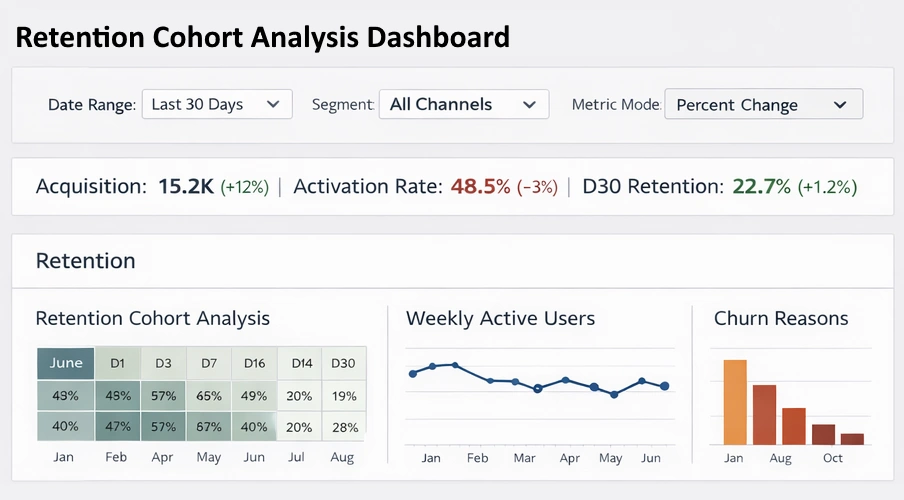
In short, Graphic Walker is ideal when all you need is a data visualization component. StyleBI is the better choice when analytics itself is the product: an end-to-end BI environment for your entire organization.