What Are the Types of Information Reporting Systems in MIS?
An information reporting system is a system that is used to process, store and retrieve information. They are mainly used in various industries including the healthcare industry for storing patient data in electronic medical records.
An electronic medical record is a set of information about a patient's health kept on an electronic storage medium and accessible to the patient's clinician or physician at need.
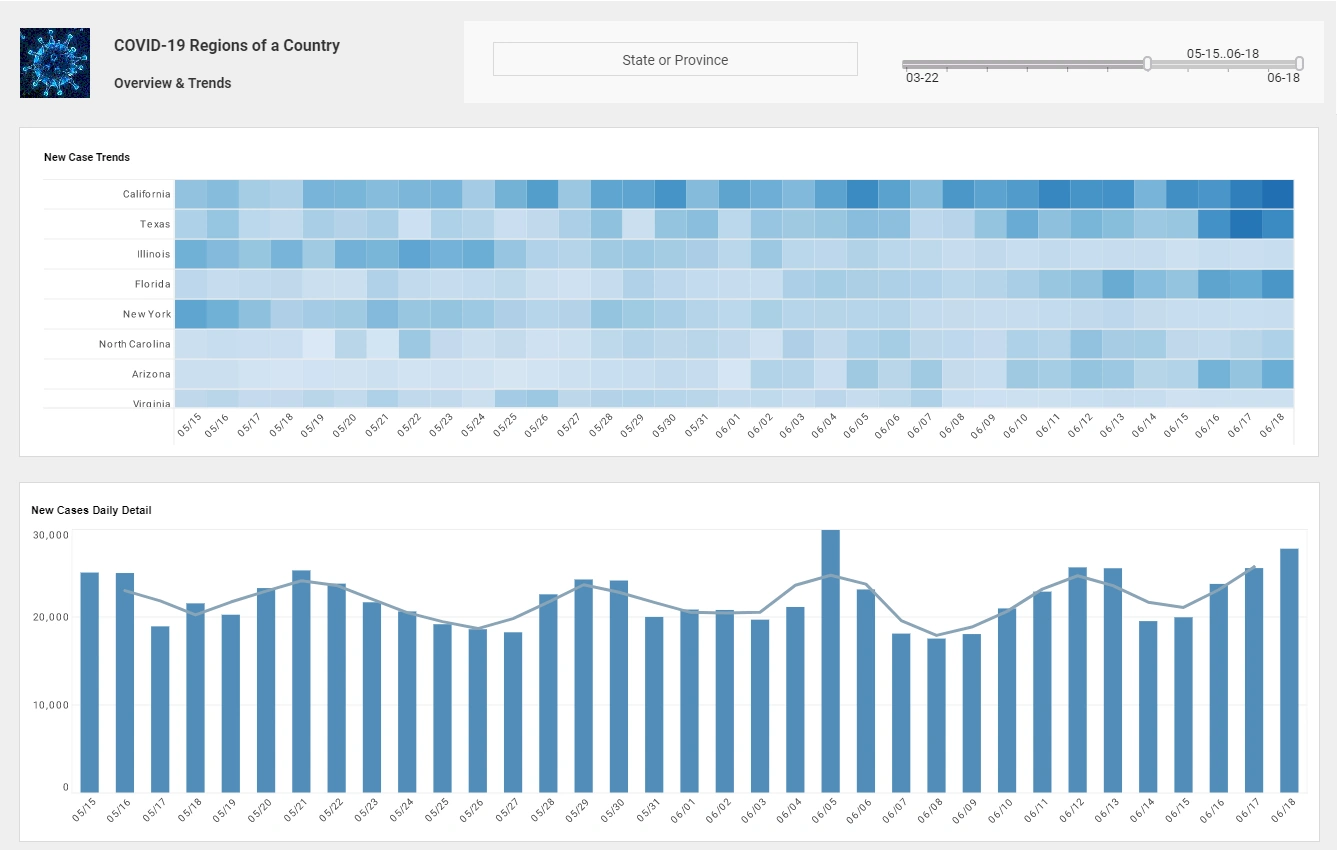

What Are Management Information Systems?
Management Information Systems (MIS) is often used to describe the systems and technologies that are used for managing an organization, its operations, and its data. Management information systems is a broad term that encompasses many different types of software and hardware. Some of the most common applications are enterprise resource planning (ERP) systems, customer relationship management (CRM) software, supply chain management (SCM) software, enterprise asset management (EAM) tools and business intelligence (BI) tools.
A Brief History of Management Information Systems
Management information systems are the foundation of modern management. They provide a comprehensive overview of how a business is performing and what needs to be done to improve it. The history of management information systems can be traced back to the late 19th century. The first time that the term "management information system" was used was in 1967 in a book by E.F. Moore and M.D. Smith called "Management Information Systems: Design, Implementation and Use".
The Importance of MIS Reporting Systems for Your Business
A business is only as good as the information it has access to. This is why MIS reporting systems are so important. They give you the information you need to make decisions that impact your business.

Types of Information Reporting Systems in MIS
Information reporting systems are used in MIS to provide information about the company's operations. They can be categorized into six groups:
a). Transaction processing systems Transaction processing systems are computer programs that help a company process transactions that are entered by the user. These computer programs help the company process payroll, send invoices and statements, and keep track of customer information.
b). Office automation systems Office automation systems help manage the office environment and include tasks such as scheduling meetings, tracking inventory, and generating reports on sales performance. The automation of office work is achieved by the use of computerized office machines. The main components used in these machines are computers, networked printers, scanners and copiers, fax machines and digital filing systems.
c). Knowledge management systems Knowledge management systems help companies store and share information with other organizations or individuals. The goal of a knowledge management system is to enable the creation of data-driven business processes. Knowledge systems are typically used by large companies that require coordination between multiple departments to maintain collaboration and share information across geographical boundaries.

d). Decision support systems Decision Support Systems (DSS) are designed to provide managers with the necessary data for complex decisions that require a lot of analysis and research. DSSs often act as a tool to aid decision-making and management, reduce costs, and improve productivity in organizations.
e). Management support systems Management support systems are designed to provide a company's managers with the necessary data to make decisions.
f). Executive support system Executive support systems are designed for executives who need a summary of important data in order to make quick decisions. The summary of important data is typically a list of critical metrics, the number of calls received for example, or any other frequently updated information. These systems can be used in conjunction with a CRM system to enable remote managers to access the summary and make decisions based on it.

How to Determine the Best Management Information System for Your Business
There are many MIS software available in the market. Therefore, it is important that you choose the best MIS for your business as it can help you save time and money in the long run. Here are a few pointers that will help you select the best MIS for your business needs, based on what you want from your system and what features are important to you.
1. What are your requirements? What do you want from your system? What are the tasks that need to be performed? What are the people or departments that will be interacting with it? What activities need to be managed? Sales, marketing and distribution channels, research and development efforts, human resources, etc. What are the products or services you sell?
2. Size of your organization The size of your organization will determine the type of MIS software you choose. If you are a large enterprise with hundreds of employees, you likely need a very sophisticated software for your MIS. If, on the other hand, you are just a small organization or work independently, then your needs may be less stringent.
3. Industry you operate in Different industries have different needs when it comes to MIS software. This is because competition differs from one industry to another. Customer behavior also varies from one industry to the next. One industry may need a lot of customization, while another may not need any.
4. Your budget How much money you are willing to spend on your management information system will determine which system you can Crown as your winner.
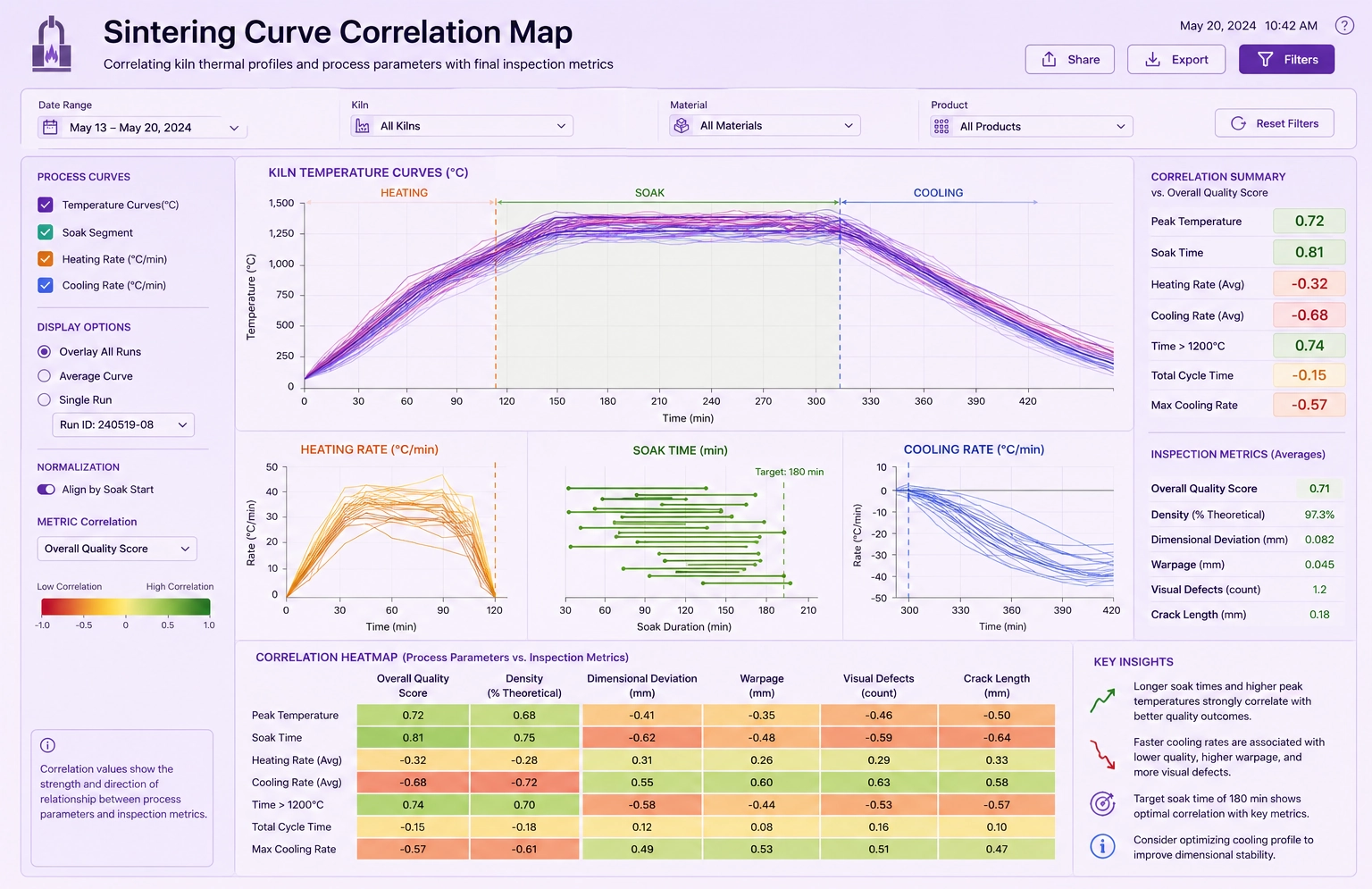
Core Components of a Reporting System
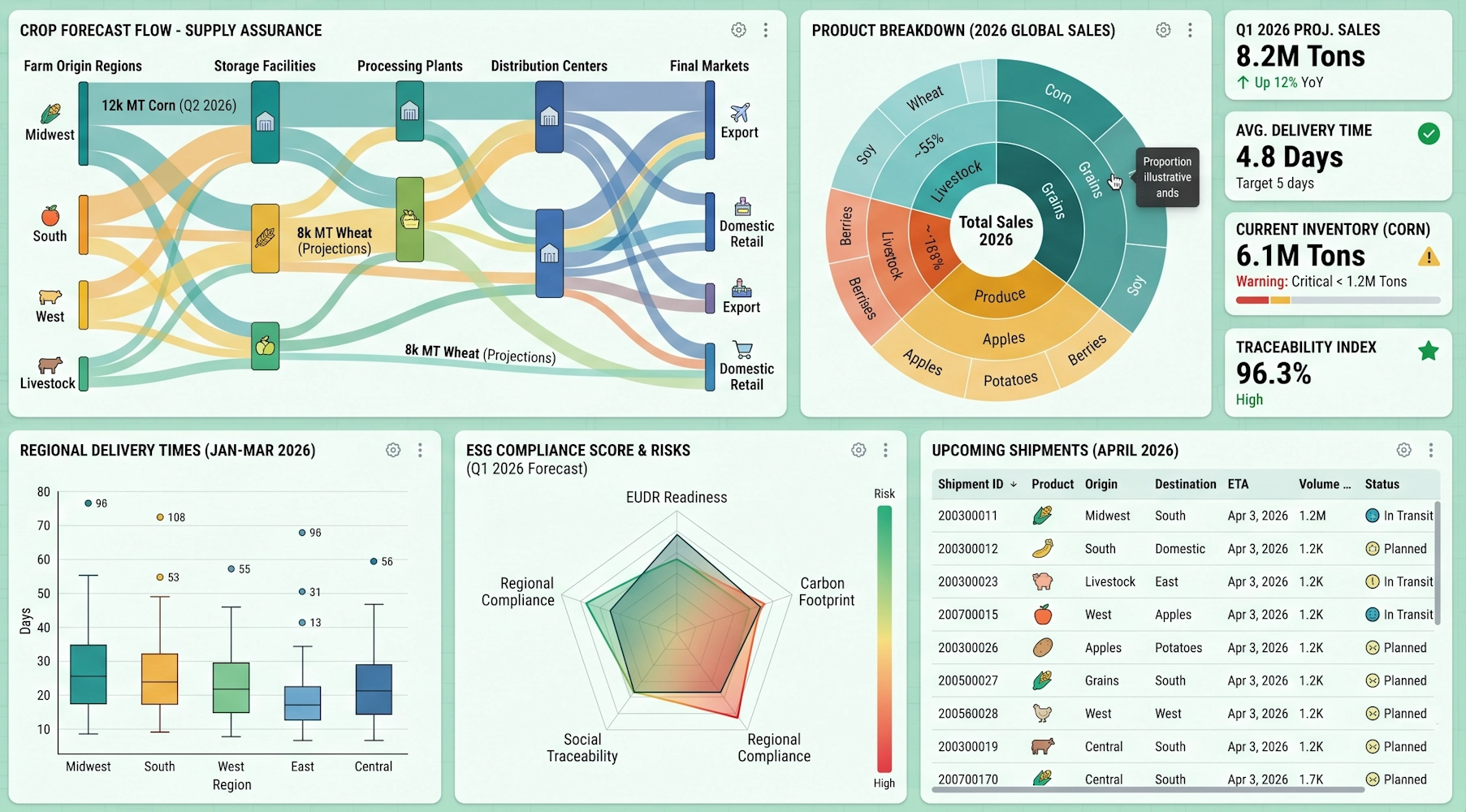
Reporting System vs Business Intelligence Tool
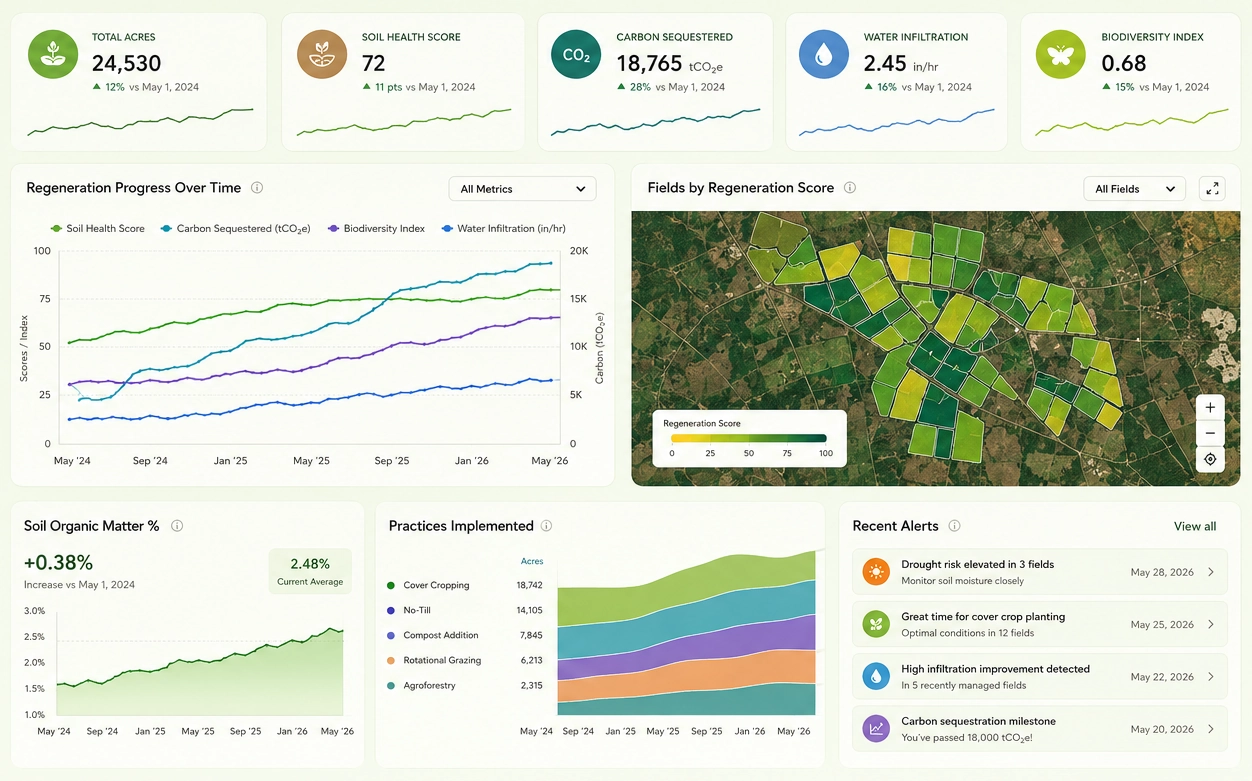
Benefits of a Modern Reporting System
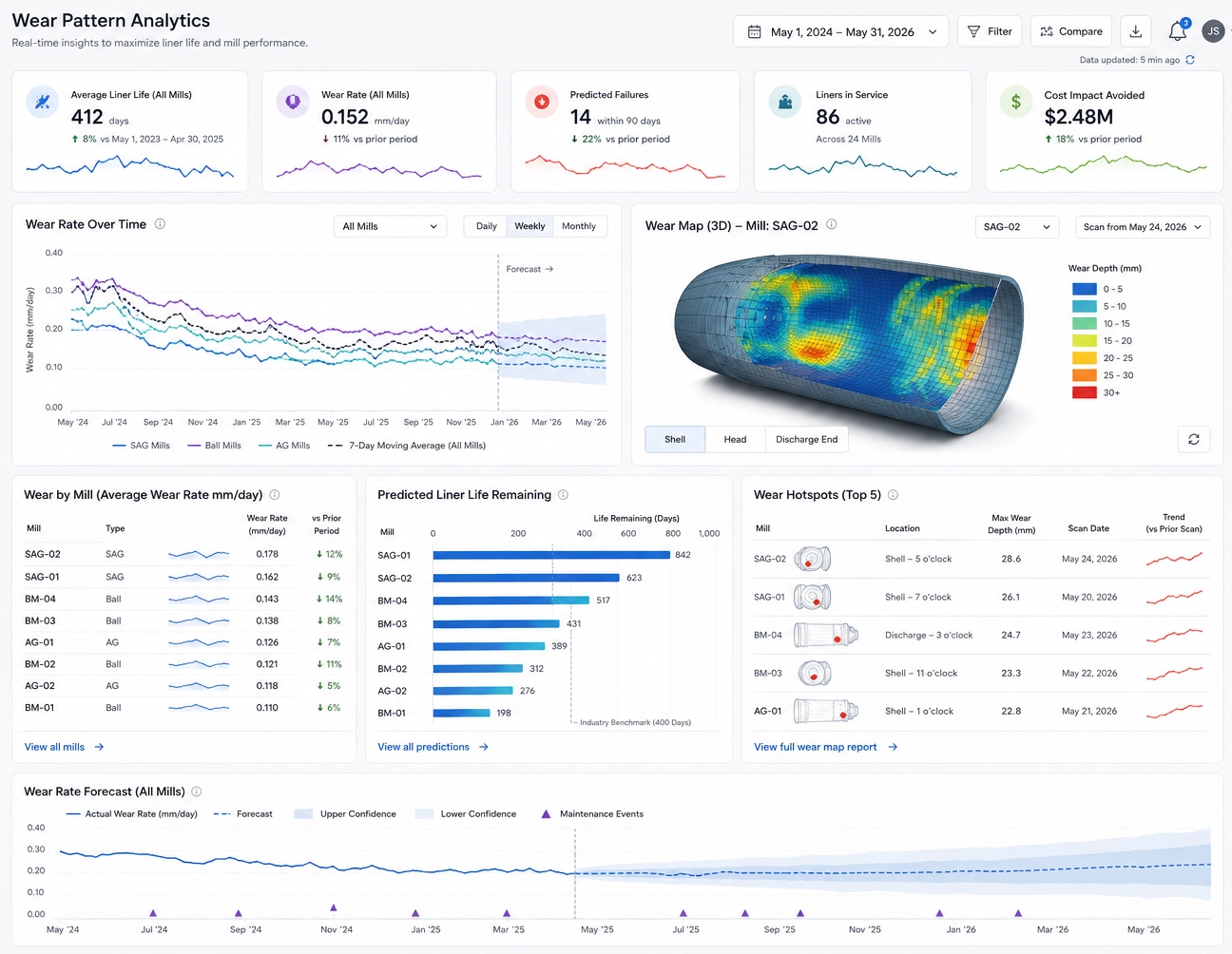
Reporting System Examples
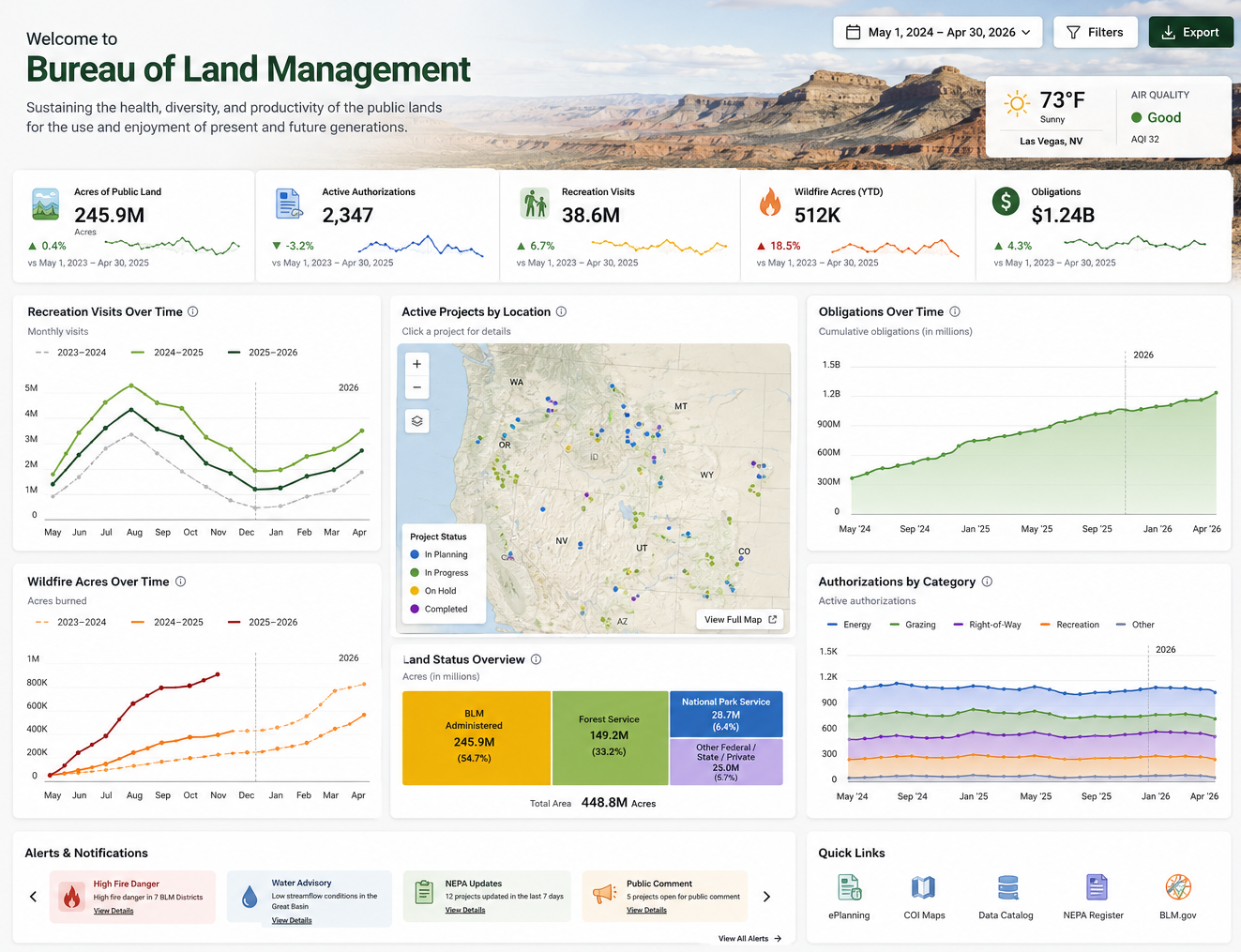
Common Reporting System Challenges

4 Different Types of Reporting
There are different kinds of reporting including:
- Internal reporting- in this type of system, employees report to their managers. Reports sent would be
private and not shared with the public.
- Public reporting- in this type of system, reports are publicly available to anyone who searches for them
on the internet (this includes companies that use Public Company Accounting Oversight Board or
PCAOB).
- Self-reporting- in this type of system, reports are NOT publicly available and it is up to the company
to
decide whether or not these reports can be made available.
- Internal auditing- this type of system is used in many companies and it is considered to be the most effective of the four types. The company performs an internal audit on itself to ensure that it is following rules and regulations set out by the government or other private sector bodies but this still leaves room for bias and corruption because employees might not report all irregularities.