
What Are the Best Business Intelligence Software Options for Small Businesses?
Business intelligence (BI) is no longer a luxury reserved for large enterprises with massive IT budgets. Today, small businesses rely on BI tools to understand customer behavior, optimize operations, improve financial performance, and make data‑driven decisions. The rise of cloud‑based platforms, simplified interfaces, and AI‑powered analytics has made BI more accessible than ever. But with so many options on the market, choosing the right BI software can feel overwhelming—especially for small businesses with limited resources.
The best BI tools for small businesses share several characteristics: affordability, ease of use, customizable dashboards, strong data integration, and AI‑driven insights. They help small teams work smarter without requiring deep technical expertise. In this article, we explore the top BI platforms that meet these needs, including InetSoft StyleBI, and compare their strengths.
Why BI matters for small businesses
Small businesses operate in fast‑moving environments where every decision counts. BI tools help them compete with larger organizations by providing visibility into performance metrics, customer trends, inventory levels, marketing effectiveness, and financial health. With BI, small businesses can:
- Identify growth opportunities: Spot trends in sales, customer behavior, and market demand.
- Improve operational efficiency: Monitor workflows, reduce waste, and optimize processes.
- Enhance financial management: Track revenue, expenses, and profitability in real time.
- Make data‑driven decisions: Replace guesswork with actionable insights.
- Leverage AI: Use predictive analytics to anticipate future trends.
The right BI platform empowers small businesses to make smarter decisions quickly, without requiring a dedicated analytics team.
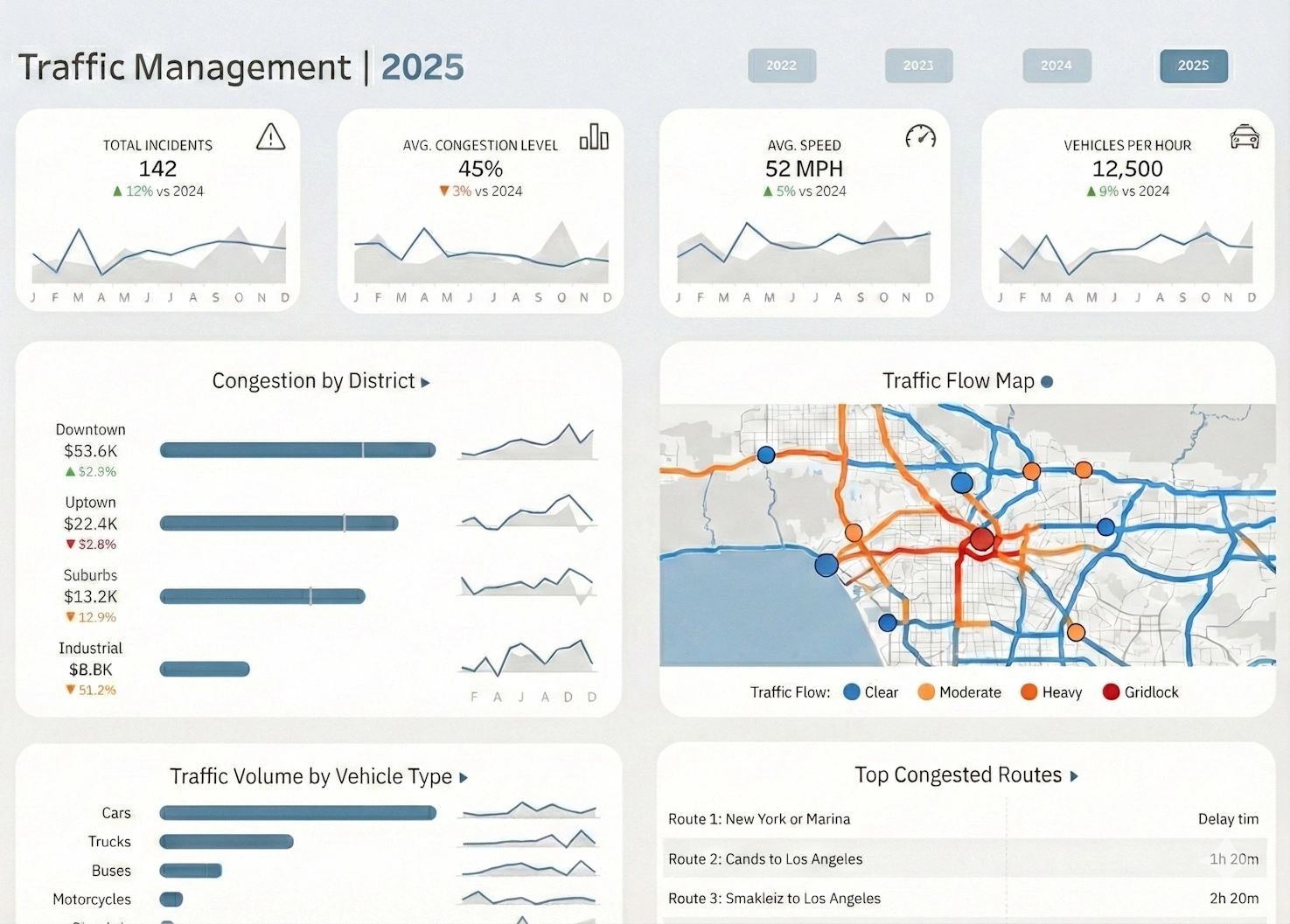
InetSoft StyleBI: a powerful BI option for small businesses
InetSoft StyleBI is a flexible, affordable BI platform designed to support both small businesses and large enterprises. Its zero‑client, browser‑based architecture makes deployment simple, while its customizable dashboards and strong data integration capabilities make it ideal for small teams that need powerful analytics without complexity.
Customizable dashboards
InetSoft’s dashboards—called viewsheets—are highly customizable. Users can drag and drop charts, tables, filters, maps, and interactive controls onto the canvas. Dashboards can be tailored to specific roles, such as sales managers, financial analysts, or operations leaders. This flexibility ensures that small businesses can build dashboards that match their unique workflows.
Affordable pricing
InetSoft offers pricing models that work well for small businesses, including user‑based licensing and cloud‑hosted options. This makes it accessible for teams that need enterprise‑grade analytics without enterprise‑level costs.
AI‑driven insights
InetSoft supports AI‑driven analytics through predictive modeling, anomaly detection, and natural‑language querying. These capabilities help small businesses uncover insights that might otherwise go unnoticed.
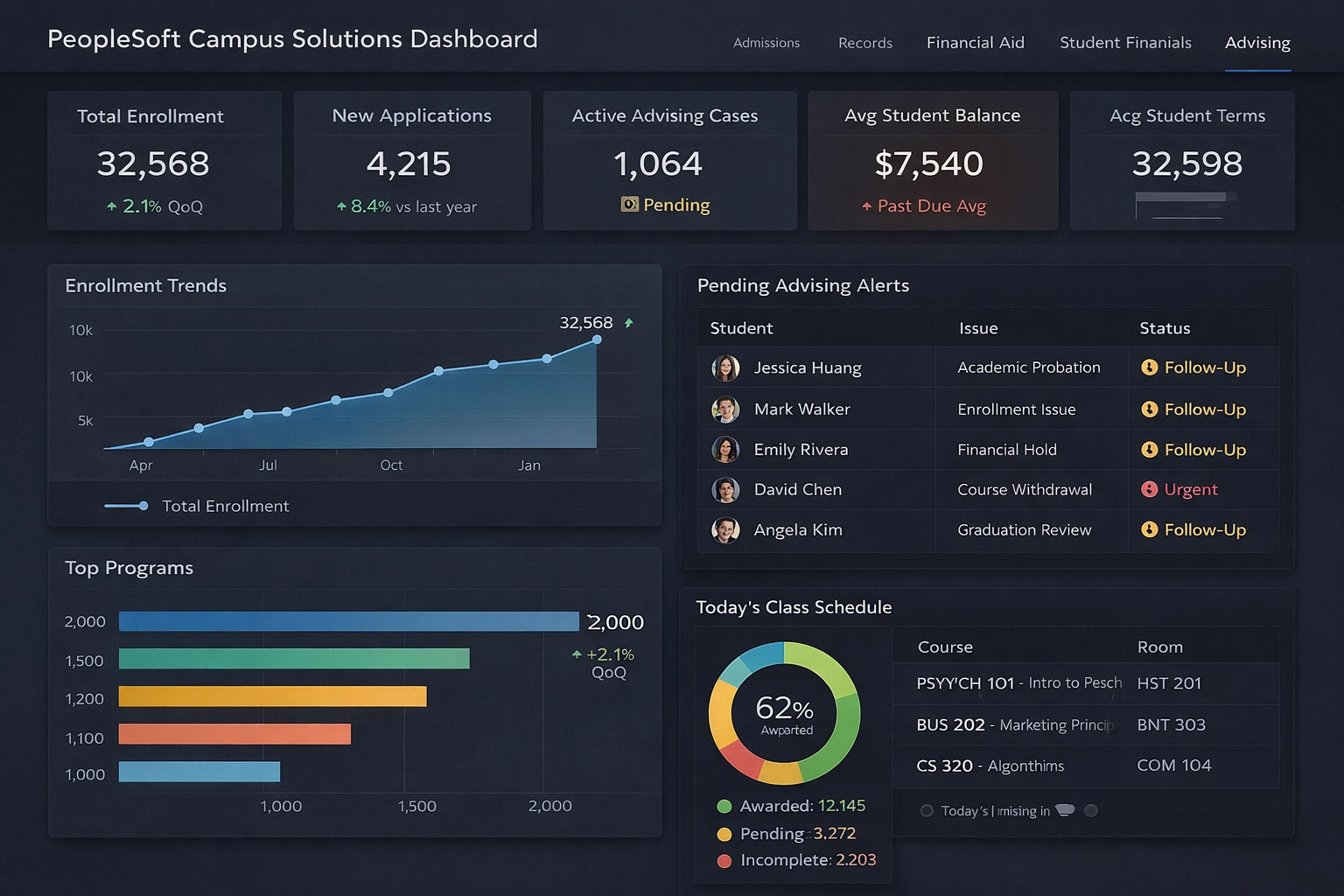
Data integration
Small businesses often rely on multiple data sources—POS systems, CRM platforms, spreadsheets, accounting software, and cloud apps. InetSoft integrates with all of these, allowing users to build unified dashboards that combine data from across the organization.
Other top BI platforms for small businesses
While InetSoft is a strong option, several other BI platforms also offer excellent features for small businesses. Below, we explore three additional platforms that balance affordability, ease of use, and powerful analytics.
Zoho Analytics
Zoho Analytics is a popular choice for small businesses due to its low cost, intuitive interface, and strong integration with the Zoho ecosystem. It offers drag‑and‑drop dashboards, automated insights, and AI‑powered analytics through its Zia assistant.
Zoho Analytics is ideal for small businesses that already use Zoho CRM, Zoho Books, or Zoho Inventory, but it also integrates with external tools like Shopify, QuickBooks, and Google Workspace.
Microsoft Power BI
Power BI is one of the most widely used BI tools in the world, and its affordability makes it accessible to small businesses. The Power BI Desktop app is free, and the cloud service is available at a low monthly cost.
Power BI offers customizable dashboards, strong data modeling, and AI‑powered insights through Microsoft Copilot. It integrates seamlessly with Excel, SharePoint, Dynamics 365, and hundreds of other data sources.
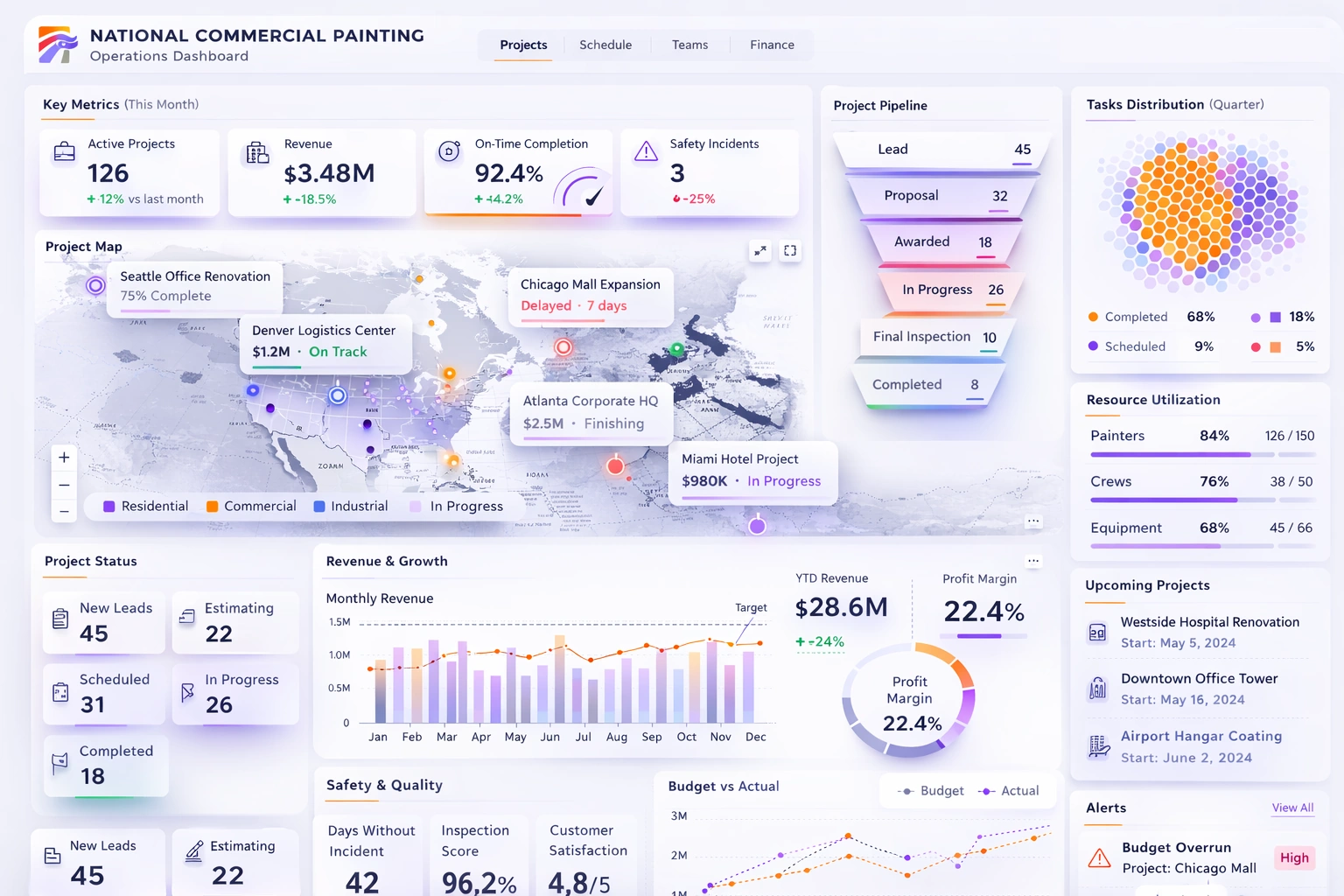
Google Looker Studio
Looker Studio (formerly Google Data Studio) is a free BI tool that is ideal for small businesses with limited budgets. It offers customizable dashboards, real‑time data connections, and strong integration with Google Analytics, Google Ads, BigQuery, and other Google services.
Looker Studio is particularly useful for marketing teams that need to visualize campaign performance, website traffic, and advertising ROI.
Comparison table
How small businesses can choose the right BI platform
Choosing the right BI platform depends on your business goals, data sources, budget, and team skill level. Small businesses should consider the following factors when evaluating BI tools:
- Ease of use: Can non‑technical users build dashboards?
- Customization: Does the platform support flexible layouts and interactive components?
- Data integration: Can it connect to your CRM, POS, accounting software, and spreadsheets?
- AI capabilities: Does it offer predictive analytics or automated insights?
- Pricing: Is it affordable for small teams?
- Scalability: Can it grow with your business?
InetSoft StyleBI stands out for its combination of flexibility, affordability, and AI‑driven insights. Zoho Analytics is ideal for small teams using Zoho apps. Power BI offers advanced modeling at a low price, while Looker Studio provides a free option for marketing‑focused businesses.
Choosing the right BI platform
Business intelligence is essential for small businesses that want to compete in today’s data‑driven world. The best BI platforms offer customizable dashboards, strong data integration, AI‑powered insights, and affordable pricing. InetSoft StyleBI, Zoho Analytics, Power BI, and Looker Studio each provide powerful capabilities that help small businesses make smarter decisions, improve efficiency, and unlock new growth opportunities.
By choosing the right BI platform, small businesses can transform their data into a strategic asset— empowering teams, improving performance, and driving long‑term success.