InetSoft Product Information: Dashboard Features
InetSoft's dashboard capabilities deliver a full spectrum of tools for creating, embedding, and governing interactive analytics — from developer APIs and extensibility to admin controls for scalability and simple consumption for casual users. Below you’ll find a role-focused breakdown of features that help teams prototype, secure, publish, and consume dashboards across development and production environments.
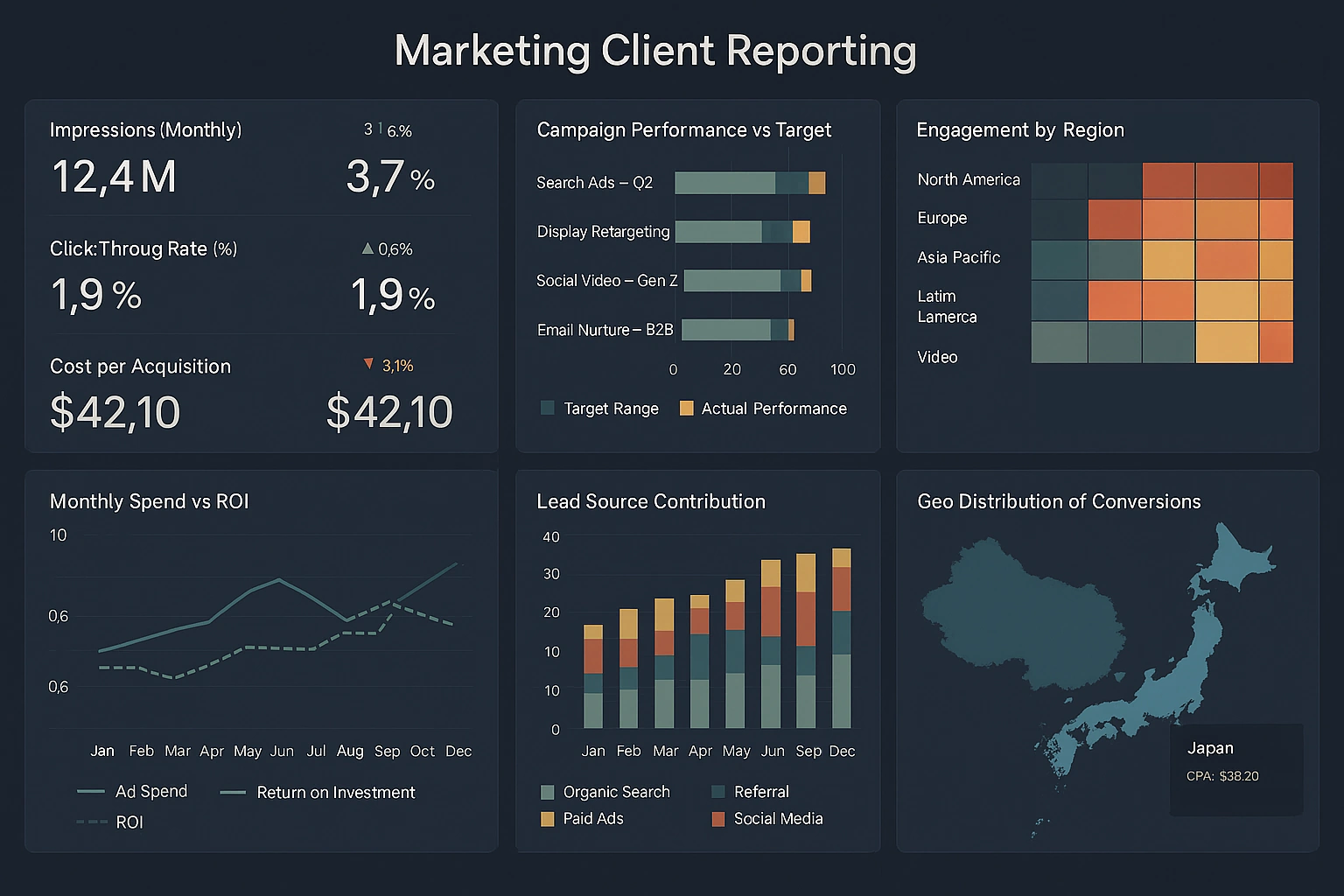

InetSoft's Dashboard Features for Developers
Developers get a full toolkit for building polished, embeddable, and highly interactive dashboards: a 100% web-based designer plus programmatic APIs, a visual data mashup engine, layout controls, and the ability to produce pixel-perfect reports and map data pipelines into reusable components.
- Web-based drag-and-drop designer: A visual canvas for assembling viewsheets, charts, reports and widgets without requiring a full desktop IDE; supports complex layout composition (row/column portlet layouts), snapping, containerization and responsive resizing so dashboards behave predictably across screen sizes.
- Rich API surface (Java & REST): Java APIs and REST endpoints enable embedding dashboards into applications, automate publication, modify dashboard metadata, and call services to render charts or export reports programmatically — useful for CI/CD and multi-tenant SaaS embedding.
- Data mashup engine (Data Blocks): Visual data-block/mashup tooling to join, transform and union data from relational sources, OLAP, web services and spreadsheets in memory; reduces backend ETL needs and speeds prototype cycles for developer teams.
- Advanced data modeling without SQL: GUI-driven joins, calculated fields, hierarchies and parameterized queries that let developers construct sophisticated semantic layers and expose clean data models to dashboard authors and end users.
- Custom scripting and expressions: Support for formulas, custom functions, conditional styling and computed fields so visual logic can live near the presentation layer; enables dynamic label formatting, threshold logic and data-driven styling.
- Reusable components & templates: Ability to create viewsheet templates, widget templates and shared style/theme artifacts so teams can enforce brand and UX consistency while accelerating new dashboard builds.
- Interactive behavior & event handling: Inter-widget communication (filters, parameter passing, drill paths), URL and parameterized deep links, click/hover handlers and cross-sheet actions for building application-like flows inside dashboards.
- Visualization library & custom visuals: A broad set of chart types (bar, line, combo, gauge, map, heatmap, pivot grids) with options to extend visuals through custom components or embed third-party JS widgets for niche visual needs.
- Pixel-perfect reporting: Designer-driven paginated reports and the ability to convert dashboard content into printable, paginated outputs — helpful when dashboards must produce invoices, regulatory outputs or management packs.
- Versioning & export/import: Tools to export viewsheets, dashboards and data models for version control, environment promotion and reuse across dev/test/prod estates; streamlines release management for BI artifacts.
- Performance controls for developers: Cache strategies and query tuning knobs exposed at design time — developers can define incremental cache refreshes, set time-to-live values, and choose live vs cached modes for heavy datasets.
- Security-aware integration: Hooks for single sign-on, role-based filters and row-level security that can be wired at the API or model layer so dashboards respect enterprise access controls.
- Embedding & micro-frontend support: Web components and embed snippets for placing dashboards into portals, portals with single sign-on, and cloud apps — supports tight UI integration and custom shell behavior.
- Developer productivity features: Searchable object trees, property inspectors, keyboard shortcuts and layout guides that reduce repetitive design work and speed iteration cycles for small teams and consultants building many client dashboards.
- Testability and diagnostics: Built-in logging, query tracing and rendering diagnostics to surface slow queries or rendering bottlenecks during development, enabling fix-before-deploy discipline.
- Extensibility patterns & design guidance: Published dashboard design patterns and recommended architecture guidance so developers can adopt consistent, supportable approaches (e.g., view reuse, viewsheet composition, model segmentation).
- Multi-source prototype to production path: Ability to prototype with spreadsheets and web services, then switch to production data sources with minimal redesign — helps shrink the time from concept to enterprise deployment.

InetSoft's Dashboard Features for Administrators
Administration capabilities focus on governance, scaling, monitoring and operational control: centralized portal management, user and role administration, caching and scheduler controls, multi-tenant resource isolation and health monitoring tools.
- Central portal & tenant management: A centralized user portal that organizes dashboards and reports by project, role or tenant; tenant-aware controls enable multi-tenant deployments with separate content catalogs and access boundaries.
- Role-based access control (RBAC): Fine-grained role/permission administration for content creation, viewing, export, scheduling and administration functions; supports row-level security and parameterized filtering to limit data exposure per role.
- Cache & performance management: Administrators can configure universal caches, set incremental refresh schedules, define cache partitions and prioritize which dashboards use memory vs live queries — this enables predictable SLA adherence for critical monitoring dashboards.
- Scheduling & bursting: Integrated scheduling engine for running exports, generating paginated reports, or refreshing cache on cron-like schedules; bursting capabilities allow automated distribution of reports to users or systems.
- Monitoring & health dashboards: Operational dashboards that surface server health, query latency, cache hit rates, and user activity metrics so administrators can detect bottlenecks and capacity needs proactively.
- Audit trails & usage analytics: Detailed logging of who viewed or edited dashboards, what data extracts were performed, and export activity — useful for compliance and chargeback models.
- Multi-environment deployment support: Tools and recommended patterns for promoting dashboards and metadata across dev/test/staging/prod, including export/import of dashboard bundles and scripted deployment via APIs.
- Authentication & SSO integration: Support for SAML, OAuth and enterprise authentication schemes to integrate with corporate identity providers and enforce centralized identity controls.
- Backup, restore and disaster recovery: Procedures for backing up content stores, metadata and configuration, plus options to run BI services in clustered/microservice mode for failover resilience.
- Resource governance & quotas: Ability to allocate CPU, memory and cache budgets per tenant or project; prevents noisy dashboards from impacting critical reporting workloads.
- Security configuration & encryption: Controls to enforce HTTPS, encrypt data-at-rest for sensitive exports, and configure secure connections to databases and web services.
- Patch & upgrade management: Administration workflows for applying product updates, hotfixes and schema migrations with minimal service disruption.
- Integration with DevOps: Hooks for logging, metrics, and container orchestration so IT teams can operate the BI stack as part of the platform’s observability and release pipelines.
- Content lifecycle governance: Facilities to retire or archive stale dashboards, run orphaned-content reports, and enforce content naming/taxonomy standards to reduce clutter and maintain findability.
- Data source management: Central registry for database connections, credentials vaulting, and connection pooling to simplify administration and harden operational connectivity.
- Compliance-ready reporting: Report and export controls that support regulatory retention, export redaction options, and the generation of attestable delivery logs for auditors.
- Self-service enablement governance: Controls that balance empowerment and control — for example, allowing power users to publish dashboards while requiring admin approval for production schedules or external sharing.

InetSoft's Dashboard Features for Power Users
Power users receive deep self-service capabilities: ad-hoc analysis, drag-and-drop mashup of data, advanced filtering and parameterization, custom calculations, and the ability to publish governed content — all within an approachable UI that avoids requiring developer support for common tasks.
- Ad-hoc dashboard creation: Point-and-click creation of new dashboards and viewsheets from governed data models; supports quick chart swaps, pivoting, and layout changes without coding so analysts can iterate rapidly on hypotheses.
- Drag-and-drop data blending: Blend data from multiple approved sources on the fly (spreadsheets, databases, web services) and create joins or unions directly in the UI to answer cross-system questions without waiting for IT.
- Advanced filtering & parameter controls: Dynamic filters, cascading selectors, date sliders, and parameterized prompts allow power users to build complex, interactive exploration experiences for themselves and downstream consumers.
- Custom calculations & expressions: Create calculated fields, running totals, ratios, and conditional metrics inside the dashboard designer so analytics logic remains accessible and editable by the business.
- Drill-down & drill-through: Multi-level drill paths and contextual drill-through actions to navigate from summary KPIs to transaction-level detail and back — critical for investigative workflows.
- Bookmarking & personal views: Save personalized filters, bookmarks and layout variants to return to specific analysis states or to share variant views with teammates.
- What-if and parameterized scenarios: Input controls and scenario parameters to run sensitivity checks, financial modeling and scenario comparisons directly within dashboards.
- Export & presentation options: One-click exports to images, Excel and PDF; scheduling of exports for periodic distribution so power users can deliver packaged insights to stakeholders without manual steps.
- Interactive visualizations for data discovery: Tooltips, linked highlighting, brushing and selection-driven updates that turn dashboards into active discovery tools rather than static panels.
- Temporary data uploads: Upload a CSV or spreadsheet to test hypotheses and blend it with production data to validate models — the sandboxing keeps ad-hoc uploads from contaminating governed models.
- Collaboration & comment threads: Annotate charts, pin commentary, and create shared bookmarks so analysis context stays with the visualization and collaborators understand the interpretation.
- Custom templates for repeatability: Create analysis templates that embed commonly used filters, chart types and parameterized prompts so repetitive analyses are faster and uniform.
- Advanced formatting & conditional styling: Conditional color, trend indicators, and KPI thresholds that apply visual emphasis to signals of interest; helps report recipients scan large dashboards at a glance.
- Integration with notebooks & external tools: For teams that pair dashboarding with heavy data science, tight connectors or export paths to notebooks are valuable; while not a replacement for a full data science platform, these integrations make InetSoft a pragmatic analytic hub.
- Performance tuning for analysts: Options to toggle between live queries and cached previews, sample data modes for faster iteration, and the ability to request scheduled refreshes to ensure large analyses complete predictably.
- Governed publishing: Publish finished dashboards to audiences with controlled permissions so analysts can transition discoveries into operational reports without bypassing governance.

InetSoft's Dashboard Features for Casual Users
Casual users benefit from simple, approachable consumption experiences: mobile-friendly dashboards, one-click filters, preset KPI views, and the ability to receive scheduled snapshots — minimizing friction for non-technical audiences while keeping the interface uncluttered.
- Prebuilt KPI tiles and dashboards: Ready-made KPI tiles, summary boards and role-driven dashboards that display the metrics most relevant to a casual user’s role, reducing setup time and decision friction.
- One-click filtering & presets: Intuitive filter presets, dropdown selectors and date ranges that allow casual users to change context without understanding data model intricacies.
- Mobile and touch support: HTML5 dashboards that work on iOS and Android with touch-friendly controls, enabling on-the-go consumption of alerts and KPI trends.
- Bookmark and daily digest: Save favorite views, subscribe to daily/weekly dashboard digests or receive automated PDF snapshots so insights land in inboxes without requiring dashboard logins.
- Guided navigation: Click-to-explore paths and contextual help tips that guide casual users toward the most important interactions (e.g., hover to see explanation, click to expand a KPI).
- Readable visuals and default thresholds: Clean, high-contrast visual defaults and pre-configured threshold indicators (e.g., red/amber/green) make it easy to spot issues at a glance.
- Lightweight personalization: Ability to pin a small set of favorite widgets or select a default landing dashboard so each user sees what matters most when signing in.
- Export simple snapshots: Quick export to PNG or PDF for one-off sharing with stakeholders, preserving visual fidelity for presentations or printed reports.
- Low learning curve: Minimal UI clutter, discoverable controls and progressive disclosure of advanced features so casual users are not overwhelmed but can still access deeper views when needed.
- Alerting & threshold notifications: Simple alerts tied to KPIs that notify via email or portal notifications when a value breaches a configured threshold — supports lightweight operational monitoring.
- Accessible help and contextual documentation: Inline help, examples and short how-tos embedded in the portal reduce calls to support for routine tasks.
- Fast load & lightweight views: Dashboard variants tuned for speed (summary-only mode) so casual users get immediate value without long wait times for large data renders.
- Safe exploration mode: Read-only exploration sessions that let casual users interact with dashboards without risking accidental changes to published artifacts.
- Consistent branding and simple color themes: Default themes that prioritize clarity over ornamentation help non-technical audiences interpret dashboards quickly; overly complex palettes should be avoided to maintain cognitive simplicity.
- Simple sharing workflows: One-click share links, scheduled email snapshots and the ability to request that a power user create a custom view on their behalf.
- Helpdesk and onboarding flows: Lightweight onboarding flows that present a tour of the portal and top dashboards help new casual users become productive in minutes.