Top Web Dashboard Software for Effective Data Management for 2026
Key Highlights
-
Dashboard software transforms complex data into clear, visual insights to help you make smarter and faster decisions for your business. Effective tools offer powerful data visualization and business intelligence features to track key metrics in one central location.
-
Effective tools offer powerful data visualization and business intelligence features to track key metrics in one central location.
-
Leading analytics platform options allow you to connect multiple data sources, giving you a complete view of performance.
-
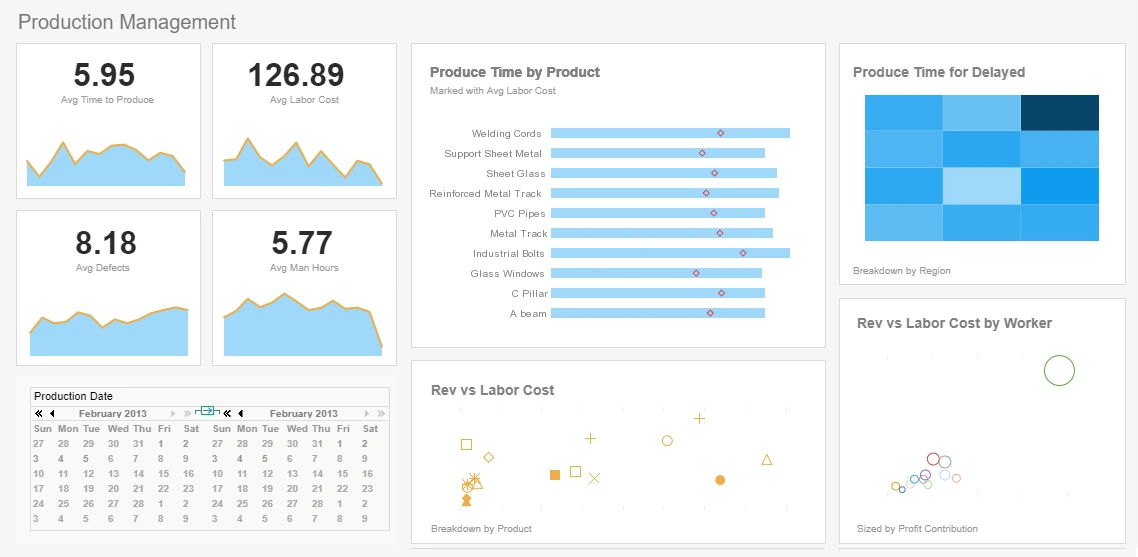
Look for software with customizable dashboards and templates to tailor the view to your specific team's needs.
-
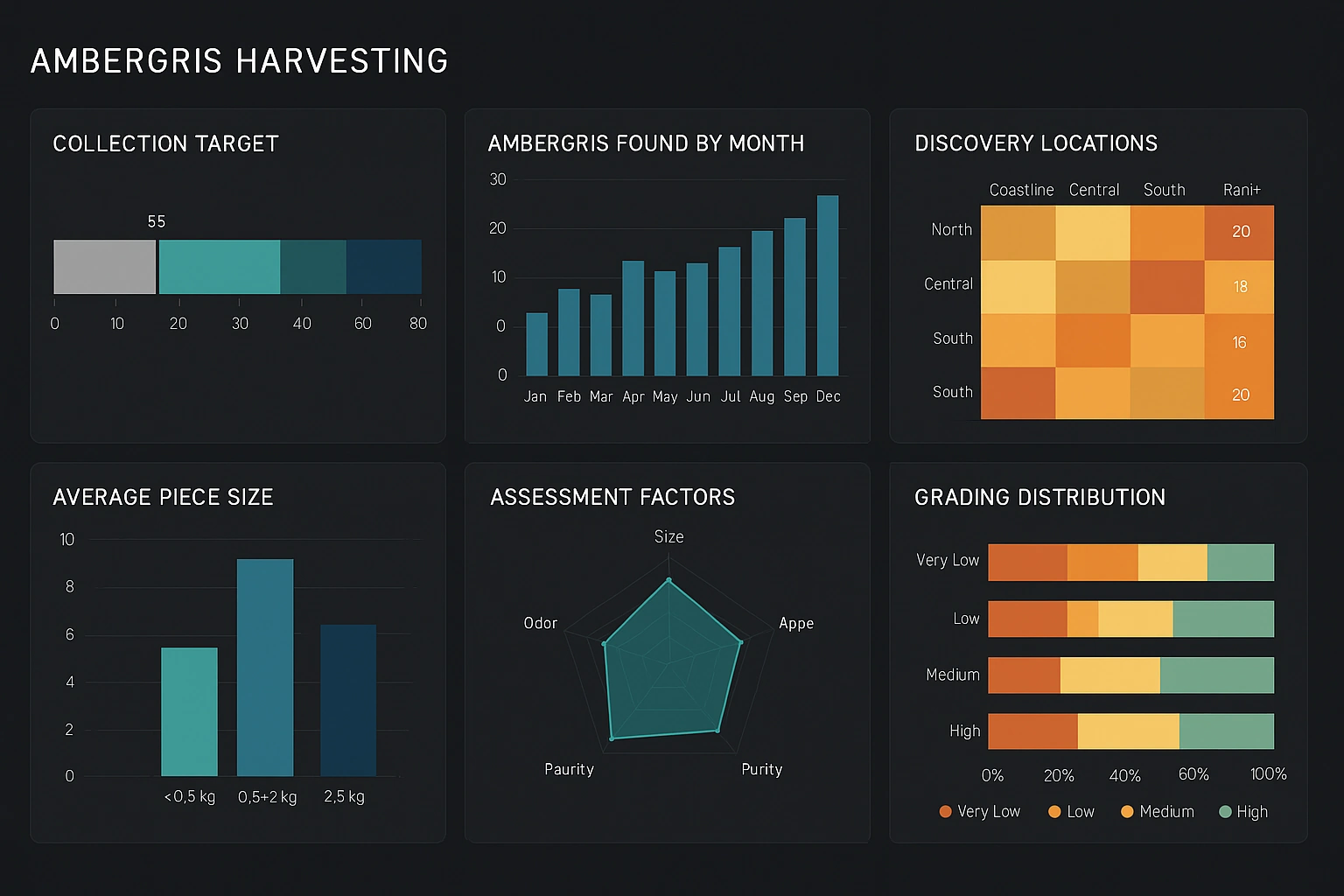
Real-time updates ensure you have the most current information for accurate monitoring and reporting.

Introduction
Are you tired of sifting through endless spreadsheets to understand your business performance? Web dashboard software is the solution. These tools pull information from all your different data sources into a single, easy-to-understand visual display. By using powerful data visualization and analytics, you get a real-time snapshot of what's happening in your business. This allows you and your team to spot trends, track progress toward goals, and make informed decisions without getting lost in the numbers.
Top Web Dashboard Software for Effective Data Management
Choosing the right dashboard software is crucial for effective data management. The best tools provide a powerful analytics platform with seamless integration capabilities and real-time updates, so you always have a current view of your operations. Whether you need to manage project data or track sales performance, there's a solution designed for your needs.
Many platforms offer free versions or trials, allowing you to visualize and track your data online without an initial investment. Below, we explore the top web dashboard software options that can help you turn your data into a strategic asset throughout the entire buying process.
1. Tableau
Tableau is a leader in the data visualization space, known for its ability to turn raw data into beautiful and interactive dashboards. It's designed for users who need to conduct deep data analysis and explore complex information visually. With its drag-and-drop interface, you can create insightful charts and graphs without needing to write code.
One of Tableau's standout features is its powerful predictive analytics capabilities, which help you forecast trends and understand potential outcomes. The platform offers extensive customization options, giving you full control over the look and feel of your visualizations. This makes it a great choice for businesses that require detailed and tailored data analysis.
When comparing Tableau to Power BI, Tableau often stands out for its superior data visualization flexibility and its capacity to handle massive datasets with ease. While it might have a steeper learning curve for beginners, its advanced features make it a go-to for data professionals who need granular control over their interactive web dashboards.
2. Microsoft Power BI
Microsoft Power BI is a robust business intelligence app that excels at helping you create interactive reports and dashboards. If your organization already operates within the Microsoft ecosystem, you'll find its seamless integration with tools like Excel, SharePoint, and Azure to be a significant advantage. This connectivity makes importing and visualizing your data incredibly straightforward.
A key strength of Power BI is its ease of use, particularly for those familiar with other Microsoft products. The platform offers real-time dashboard updates and AI-driven features that enhance data analysis, allowing your team to make quick, data-informed decisions. Its user-friendly interface simplifies the process of building comprehensive reports.
Compared to Tableau, Microsoft Power BI is often considered more accessible for general business users and offers a more competitive pricing structure, especially for smaller teams. While Tableau may offer more advanced visualization options, Power BI provides a powerful, all-in-one solution for building interactive web dashboards with a gentler learning curve.
3. InetSoft StyleBI
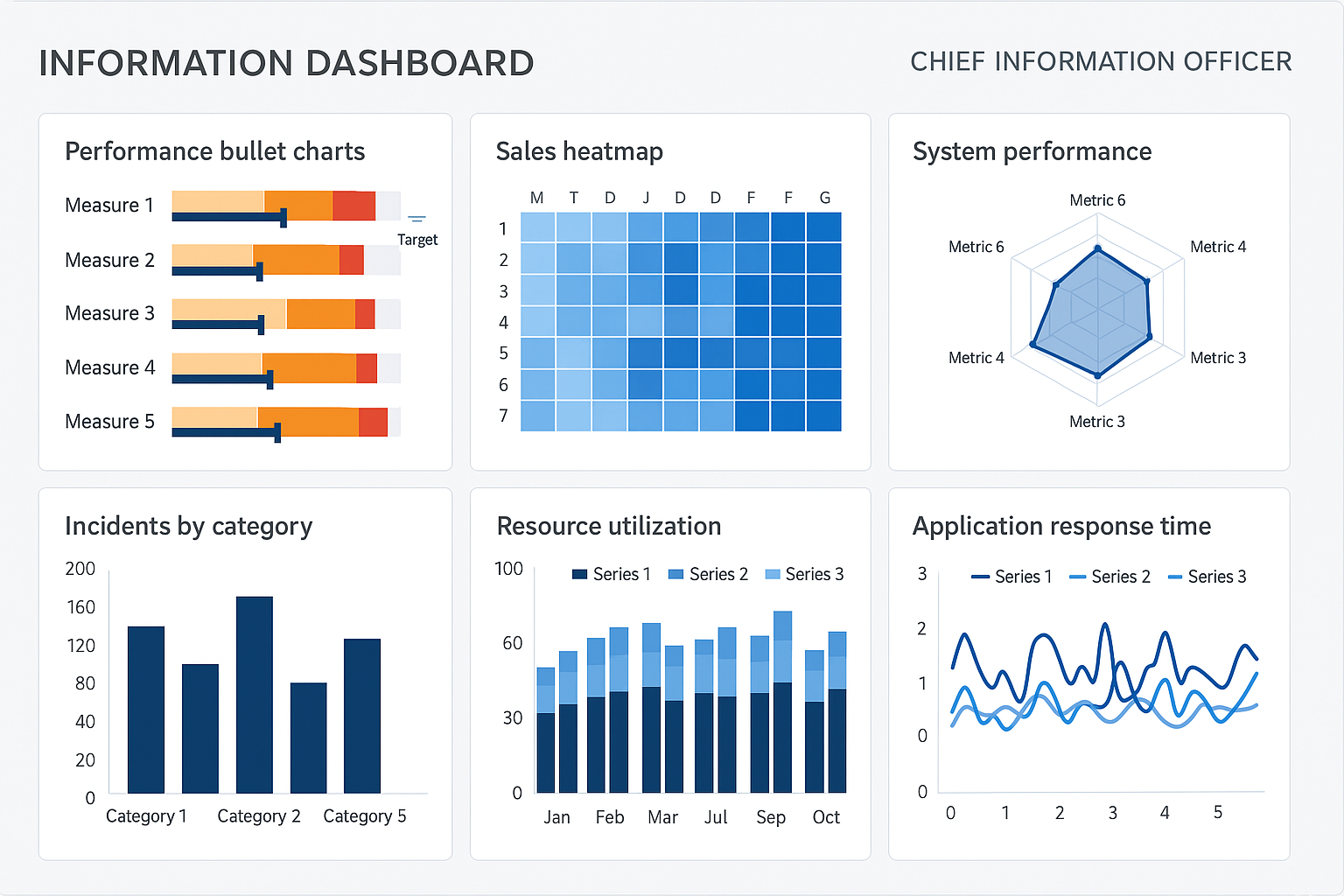
InetSoft StyleBI is a powerful business intelligence platform that delivers flexible dashboard software for data management and visualization. StyleBI stands out for its ability to handle complex data from multiple sources while maintaining ease of use for both business users and data analysts. The platform combines advanced analytics capabilities with an intuitive interface, making it an excellent choice for organizations of all sizes.
One of StyleBI's key strengths is its mashup data engine, which allows you to combine and analyze data from disparate sources without complex ETL processes. The platform offers robust self-service capabilities, enabling users to create customizable dashboards and perform ad-hoc analysis without relying on IT. StyleBI also provides comprehensive data governance and security features to ensure your sensitive information remains protected.
StyleBI excels at delivering real-time insights through interactive dashboards that can be embedded into existing applications or accessed through web browsers. The platform's flexible pricing model and deployment options—including cloud, on-premises, and hybrid solutions—make it suitable for businesses at any stage of growth. With its strong focus on user experience and powerful analytics features, StyleBI is an excellent choice for organizations seeking a complete business intelligence solution.
4. Looker Studio
Looker Studio, formerly known as Google Data Studio, is a fantastic and free tool that makes data analytics accessible to everyone. It allows you to create engaging and customizable dashboards that bring your data to life. Because it's a Google product, it integrates flawlessly with other Google services like Google Analytics, Google Sheets, and Google Ads.
This platform is particularly well-suited for small teams and businesses. Its intuitive interface and library of templates mean you can build professional-looking reports without a steep learning curve. You can easily connect various data sources to get a unified view of your marketing campaigns, website performance, or sales figures.
Yes, Looker Studio is an excellent choice for creating customizable dashboards for small businesses. Its cost-free nature, combined with powerful features, allows you to track key metrics and share insights with your team effortlessly. It empowers small businesses to leverage their data without needing a large budget for business intelligence tools.
5. Zoho Analytics
Zoho Analytics is a comprehensive business analytics platform that empowers organizations to analyze their data and create insightful dashboards. It's designed to cater to cross-functional teams, offering tools that help you track metrics from sales, marketing, finance, and operations all in one place. Its self-service model makes it accessible to users of all skill levels.
The platform features an intuitive drag-and-drop interface, allowing you to build reports and dashboards without needing any technical expertise. Zoho Analytics also places a strong emphasis on data security, ensuring your sensitive business information is protected with robust governance and security protocols. This gives you peace of mind while you focus on analysis.
When choosing a platform, you should look for features like a user-friendly interface, strong data security, and the ability to integrate with the tools you already use. Zoho Analytics checks all these boxes, making it a powerful business analytics platform for any organization looking to make data-driven decisions.
6. Geckoboard
Geckoboard is all about simplicity and clarity. This dashboard software is designed to help you share your most important key performance indicators (KPIs) with your team in real time. Its main goal is to make data visible and understandable for everyone, so your team stays focused on the metrics that matter most.
One of its greatest strengths is its focus on real-time KPI monitoring. Geckoboard makes it easy to display live data on large screens around the office or share dashboards via a link. This continuous visibility helps foster a data-driven culture and keeps everyone aligned on company goals.
Setting up and integrating Geckoboard is remarkably easy. The platform offers numerous pre-built data integrations with popular services, and you can connect to others using its APIs. The setup process is designed to be quick and straightforward, allowing you to have a live dashboard up and running in minutes, not hours.
7. Databox
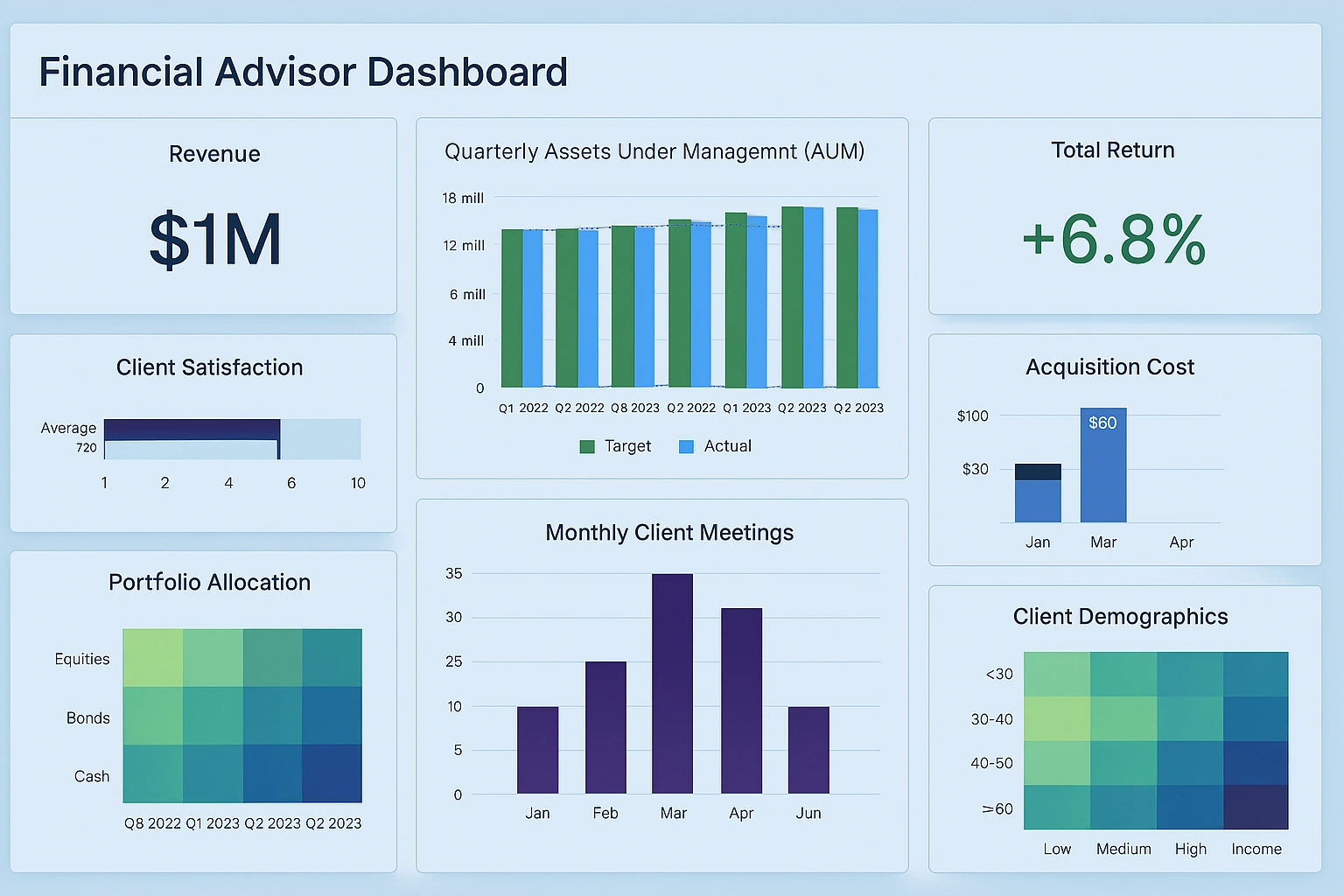
Databox is a powerful dashboard platform that helps you bring all your business data into one place. It is particularly known for its strong mobile access, allowing you to check your key metrics and track progress from anywhere. This makes it a great solution for teams that are often on the go.
With Databox, you can easily build dashboards that pull data from various sources, providing a comprehensive view of your performance. The platform offers automation features, such as scheduled snapshots and alerts, that help you stay on top of your data analysis without constant manual checks. This ensures you never miss a critical change in your metrics.
For teams looking for real-time KPI dashboard solutions, Databox is an excellent recommendation. It offers a wide range of integrations and customizable templates, allowing you to monitor your most important KPIs live. This helps your team react quickly to changes and make timely, data-driven decisions to drive growth.
8. Klipfolio
Klipfolio is a cloud-based dashboard platform designed with small businesses and startups in mind. It allows you to create real-time business dashboards to visualize and track your most important metrics. You can easily pull data from files like spreadsheets or connect to hundreds of data sources to build dynamic graphs and charts.
The platform is praised for its affordability and ease of use. Klipfolio offers a library of pre-built templates that simplify the creation of dashboards, making it accessible even if your team lacks technical expertise. This helps you get up and running quickly, focusing on insights rather than setup.
For startups planning for 2025, Klipfolio is a highly recommended dashboard software platform. Its combination of powerful features, extensive customization options, and a budget-friendly price point makes it a practical and scalable choice. Startups can use it to monitor performance closely and make the agile decisions needed for growth.
9. Sisense
Sisense is a robust analytics platform that shines when it comes to embedding analytics into applications and workflows. It's designed for businesses that want to provide data insights directly within their own products, empowering users to perform their own data exploration without leaving the application.
This platform is built to handle complex data sets and large volumes of information efficiently, thanks to its unique architecture. Sisense also leverages AI and flexible APIs to deliver deeper insights and allow for extensive customization. This makes it a go-to for companies with sophisticated data needs and development resources.
Sisense is definitely a recommended real-time KPI dashboard solution, especially for teams that need to embed analytics. While it requires more technical expertise to set up compared to other tools, its power to process complex data and integrate seamlessly into existing software makes it an invaluable asset for data-driven organizations.
10. Google Data Studio
Google Data Studio, now part of the Looker Studio family, is a powerful and free data visualization tool. It's an excellent choice for anyone looking to create insightful and interactive dashboards without any cost. Its biggest advantage is the seamless integration with other Google products, especially Google Analytics, making it easy to report on website performance.
The platform allows you to transform your datasets into compelling visual stories. With a wide array of charts, graphs, and tables, you can design reports that are both informative and easy to understand. It also offers a gallery of templates to help you get started quickly, which is perfect for users who are new to data visualization.
Absolutely, you can integrate multiple data sources into a single web dashboard using Google Data Studio. It supports hundreds of connectors, allowing you to pull in data from Google Sheets, SQL databases, social media platforms, and more. This enables you to create a comprehensive dashboard that provides a holistic view of your business.
11. Qlik Sense
Qlik Sense is a leading business intelligence platform that empowers users to explore data and discover insights freely. What makes it unique is its Associative Engine, which lets you see the connections and relationships between your data points, uncovering insights that might be missed with query-based tools.
The platform excels at data integration, allowing you to bring together data from various sources to create a complete picture of your business. Qlik Sense also offers powerful automation capabilities and allows for the creation of custom fields, giving you the flexibility to tailor your analytics to your specific needs.
For teams seeking a real-time KPI dashboard solution, Qlik Sense is a top contender. Its interactive and exploratory nature encourages users to ask questions and find answers within the data. This makes it more than just a reporting tool; it's a platform for genuine data discovery, helping teams make smarter, faster decisions.
Key Features to Look for in Visual Dashboard Software
When you start shopping for dashboard software, knowing which key features to prioritize can make all the difference. The right tool should not only present your data but also make it easy to understand and act upon. Focus on capabilities that support your specific business needs, from customization to advanced analytics, as you work through your unique software selection process.
By understanding what to look for, you can narrow down your options and select a platform that truly empowers your team without getting bogged down in long feature lists. Let’s explore the essential features that transform a good dashboard software into a great one.
Customizable dashboards and templates
One of the most important features to look for is the ability to create customizable dashboards. No two businesses are the same, so your dashboard software should allow you to tailor the visualization to focus on the specifics of your needs and the metrics that matter most to you. This means you can arrange charts, change colors, and choose the data points you want to see.
Many platforms also provide a library of pre-built templates. These are a great starting point, as they save you time and effort in designing a dashboard from scratch. You can simply pick a template that fits your needs—like marketing, sales, or finance—and then use the customization options to fine-tune it.
This combination of templates and customization offers the best of both worlds. Key benefits include:
-
Faster setup time with pre-designed layouts.
-
The ability to focus on specific KPIs relevant to your team.
-
Consistent branding across all your reports.
-
Greater user adoption since dashboards are tailored to their roles.
Real-time KPI monitoring and alerts
In today's fast-paced business environment, having access to real-time data is not just a luxury—it's a necessity. The best dashboard software provides live updates from your data sources, ensuring that the key metrics you see are always current. This allows for immediate insight into your performance.
Real-time KPI monitoring means you can react quickly to changes. For example, if a key sales metric suddenly drops, you'll know right away, not at the end of the week. Many tools also offer automation features like alerts, which can notify you via email or Slack when a KPI hits a certain threshold.
This proactive approach is invaluable for any team. The advantages of real-time monitoring and alerts include:
-
Making faster, more informed decisions.
-
Identifying and addressing problems before they escalate.
-
Keeping the entire team aligned with up-to-the-minute information.
-
Saving time by automating the monitoring process.
Integration with multiple data sources
A dashboard is only as good as the data it displays. That's why strong data integration capabilities are essential. Your business data likely lives in many different places, from your CRM to your marketing automation tool to your finance software. A powerful analytics platform will let you connect to all of them.
This feature allows you to consolidate disparate datasets into a single, unified view. Most software achieves this through pre-built connectors or by providing flexible APIs that let you create custom integrations. The ability to pull all your information together is what gives you a truly holistic view of your business performance.
Yes, a core function of modern dashboard software is integrating multiple data sources. Here are some common examples of data sources you can connect:
Category
Example Data Sources
Analytics
Google Analytics, Adobe Analytics
CRM
Salesforce, HubSpot, Zoho CRM
Social Media
Finance
Databases
Infographic and visual storytelling capabilities
Great dashboard software goes beyond basic charts and graphs; it helps you practice visual storytelling. This means arranging your data in a way that communicates a clear narrative, guiding the viewer from one insight to the next. The goal is to make complex information digestible and memorable.
Some analytics platform tools specialize in creating stunning visualizations that look like professional infographics. This is particularly useful for presentations to stakeholders or for sharing insights with a broader, non-technical audience. Tools like Tableau and Power BI offer a high degree of design flexibility to help you create these compelling visual stories.
Choosing a platform with strong visualization capabilities enables you to:
-
Communicate data insights more effectively.
-
Increase engagement from your audience.
-
Transform boring reports into compelling stories.
-
Simplify complex data for easier understanding.
Best Practices for Choosing PC Dashboard Software for Your Business
Now that you know what features to look for, the next step is to evaluate your options and make the right decision. Creating a shortlist of software that seems to fit your needs is a great start. From there, you can dive deeper by reading software reviews, watching demos, and signing up for a quick chat about free trials.
This evaluation phase is a crucial part of the buying process. Taking the time to thoroughly conduct deep research and test your top choices will ensure you select a platform that not only meets your requirements today but can also grow with your business tomorrow.
Evaluating ease of setup and integration
A powerful dashboard tool is useless if it's too difficult for your team to use. That's why evaluating the ease of use and setup is critical for its functionality. A platform with a smooth onboarding process and intuitive usability will ensure higher adoption rates and a quicker return on your investment.
Pay close attention to the integration process. How easy is it to connect your essential data sources? Platforms like Geckoboard are known for their straightforward setup, allowing you to connect to services and display metrics in minutes. Look for pre-built connectors for the tools you use most.
When evaluating a tool's usability, consider the following:
-
Does it have an intuitive, user-friendly interface?
-
How simple is the initial setup and data source integration?
-
Is there helpful documentation or customer support available?
-
Can non-technical team members build their own reports?
Comparing pricing models and free options
Understanding the pricing models of a business analytics platform is key to making a smart investment. Costs can vary widely based on the number of users, features, and data volume. Some tools have complex pricing structures, so be sure to read the fine print to avoid any hidden fees.
Many platforms offer different tiers, from basic plans for small teams to enterprise solutions with advanced features. It's also worth exploring free options. Tools like Looker Studio (formerly Google Data Studio) and free versions of platforms like Microsoft Power BI allow you to visualize and track your data online at no cost, which is perfect for getting started.
Here’s a general breakdown of what you might expect from different pricing plans:
|
Plan Type |
Average Price |
Common Features |
|---|---|---|
|
Free Plan |
$0 |
Basic data visualization, limited dashboards, and community support. |
|
Personal Plan |
$5-$25/user/month |
Customizable dashboards, multi-source integration, and email support. |
|
Business Plan |
$30-$70/user/month |
Real-time data updates, collaboration tools, and enhanced security. |
|
Enterprise Plan |
$75-$150/user/month |
Advanced analytics, dedicated support, and extensive customization. |

Frequently Asked Questions
How can web dashboard software improve my team's productivity and decision-making?
Web dashboard software boosts productivity by centralizing key performance indicators, saving your team from hunting for data. This immediate access to information improves decision-making by ensuring everyone is working with the same real-time insights. By tailoring dashboards to your team’s needs, you empower your team to act on data quickly and confidently.
Are there any specific industries that benefit the most from using web dashboard software?
While nearly all industries benefit, those that are highly data-driven—like marketing, sales, finance, and e-commerce—see immediate advantages. Business intelligence tools are crucial in these fields for data analysis and tracking emerging trends. However, sectors like healthcare, manufacturing, and IT also use dashboard software to monitor operations and improve efficiency.
Can I integrate multiple data sources into a single web dashboard?
Yes, absolutely. A core feature of modern dashboard software is data integration. These tools are designed to connect to multiple data sources—like your CRM, analytics tools, and databases—using built-in connectors and APIs. This allows you to consolidate all your raw data into a single, comprehensive dashboard for a unified view.
What are some common challenges users face when implementing web dashboard software?
Common challenges include a steep learning curve with complex tools, ensuring data security and privacy, and poor user adoption. If the software lacks ease of use or good usability, team members may not incorporate it into their daily tasks. Another hurdle is creating cluttered dashboards that overwhelm users instead of clarifying information.
Sources
- Here are direct sources found using Google Search to support the statements in this article:
- Tableau Business Intelligence Solutions
- Sisense Data Visualization Glossary
- Microsoft Power BI Overview
- InetSoft Business Intelligence Tools Guide
- Klipfolio Dashboard Software Resources