Why StyleBI Open Source Is a Great Fit for Business Intelligence Newcomers
A common challenge for individuals who are new to business intelligence involves working with cloud‑based data sources—often exposed through APIs—and attempting to build initial visualizations using tools like Microsoft Power BI. While beginners can usually connect to their data and create basic charts without much difficulty, they frequently encounter obstacles once they evaluate the platform’s licensing model and long‑term costs.
Many newcomers discover that the financial requirements of traditional BI tools do not align with smaller teams, internal projects, or environments where dashboards need to be shared widely. They often need a solution that supports embedding visualizations into platforms such as SharePoint, provides automated data refreshes throughout the day, and remains accessible to users without specialized BI expertise.
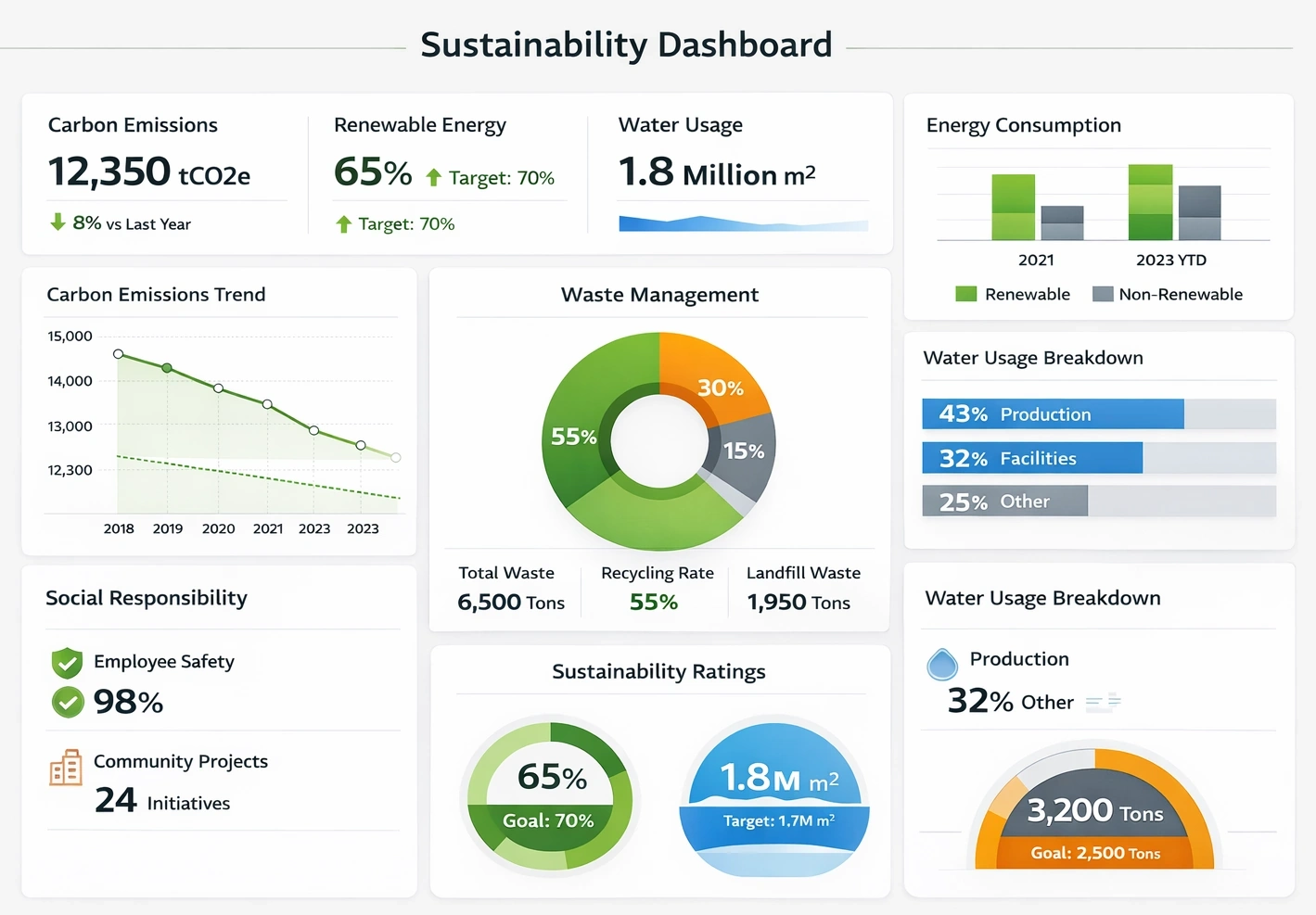
Another widespread concern is the requirement for per‑viewer licensing, which can make simple dashboard consumption unexpectedly expensive. As a result, new BI practitioners commonly seek alternative tools that offer flexible deployment, predictable costs, and a more approachable learning curve, while also welcoming feedback on whether their expectations are realistic or if a different architectural approach would better meet their needs.

Why StyleBI open source is a strong solution
1. Cost structure that actually matches your reality
One of the biggest pain points you described is the licensing model of traditional BI platforms. Tools like Power BI often look inexpensive at first glance, but once you factor in per-user viewer licenses, premium capacities, and long-term scaling, the total cost can quickly exceed what makes sense for a small team or a modest internal project. StyleBI open source flips that model on its head.
Because StyleBI open source is not tied to per-viewer licensing, you are free to let as many people as you want consume the dashboards without worrying that every new stakeholder means another recurring fee. You can deploy it once, host it on your own infrastructure or cloud environment, and then share the resulting visualizations broadly. For an IT generalist who wants predictable costs and the freedom to experiment, that is a huge advantage.
This also means you can iterate without financial pressure. You can build a proof of concept, show it to a department, expand it to another group, and refine it over time without having to justify a new batch of licenses every time someone says, “Can I see that dashboard too?” The open source model gives you breathing room to grow at your own pace.
2. Friendly to newcomers, but not limiting as you grow
You mentioned being new to BI and visualizations, coming from a general IT background. That is exactly the kind of user who benefits from a tool that balances simplicity with depth. StyleBI open source is designed so that you can start with straightforward charts and dashboards—connecting to a data source, dragging fields into visuals, and configuring filters—without needing to be a data modeling expert.
At the same time, it does not trap you in a “toy” environment. As you become more comfortable, you can introduce calculated fields, more complex layouts, and richer interactions. The learning curve is progressive rather than abrupt. You do not have to understand everything about BI architecture on day one; you can grow into the platform.
For an IT professional, this is especially appealing because you can leverage skills you already have: understanding of servers, APIs, authentication, and basic data structures. StyleBI open source lets you apply that knowledge without forcing you into a proprietary ecosystem where everything is hidden behind opaque wizards and licensing gates.
3. Strong fit for API-based cloud data sources
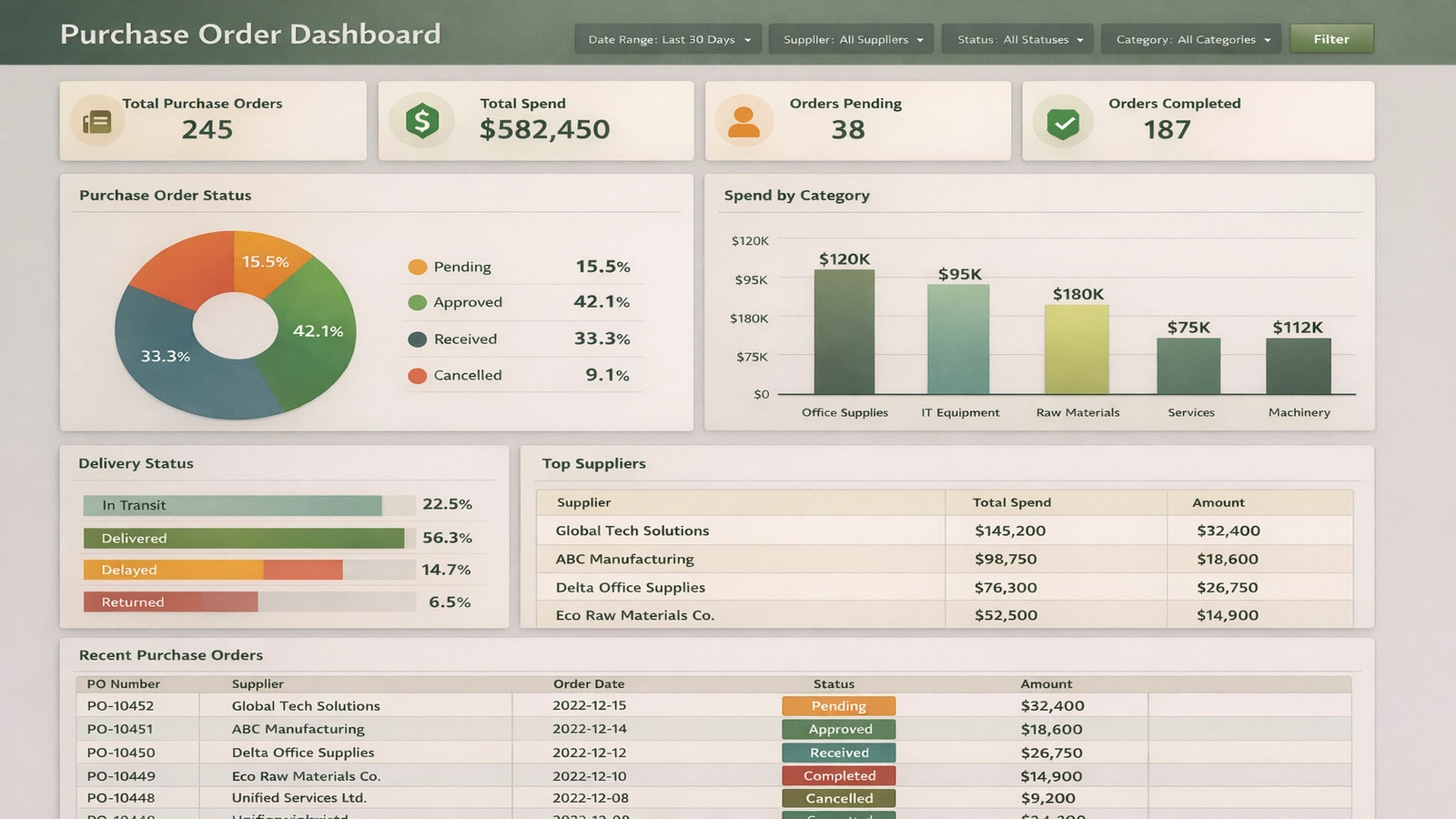
Your data lives in the cloud and is exposed via an API. That is a very natural fit for an open source BI platform like StyleBI. Instead of being constrained to a narrow set of “official” connectors, you can work directly with the API, configure how data is pulled, and control the refresh logic in a transparent way.
With StyleBI open source, you can:
- Define custom data connections: Use your API endpoints as data sources, shaping the responses into tables or views that your dashboards can consume.
- Control authentication: Integrate API keys, tokens, or other auth mechanisms in a way that aligns with your organization’s security practices.
- Adjust performance: Tune how much data you pull, how often you pull it, and how it is cached or stored, instead of being locked into a black-box connector.
For someone who is comfortable with APIs but new to BI, this is a sweet spot: you can keep using the integration patterns you already understand while layering visualization and analysis on top.
4. Scheduled refresh and automation without premium upsell
Another key requirement you mentioned is the ability to refresh data and visuals a few times per day automatically. In many commercial BI tools, this kind of scheduling is either limited on lower tiers or requires an upgrade to a more expensive plan. With StyleBI open source, scheduling is something you can design and own.
Because you control the environment, you can:
- Set up cron jobs or scheduled tasks: Trigger data refresh processes at whatever frequency makes sense—twice a day, hourly, or even more often if your infrastructure can handle it.
- Align refresh with API limits: Respect rate limits or quotas on your cloud API by designing refresh windows that avoid throttling.
- Monitor and log refreshes: Capture logs, alerts, and metrics around refresh jobs so you know when something fails and can fix it quickly.
Instead of being constrained by a vendor’s definition of “reasonable refresh,” you define your own. For an internal SharePoint-embedded dashboard that needs to be “fresh enough” during the workday, this level of control is ideal.
5. Easy embedding into SharePoint and internal portals
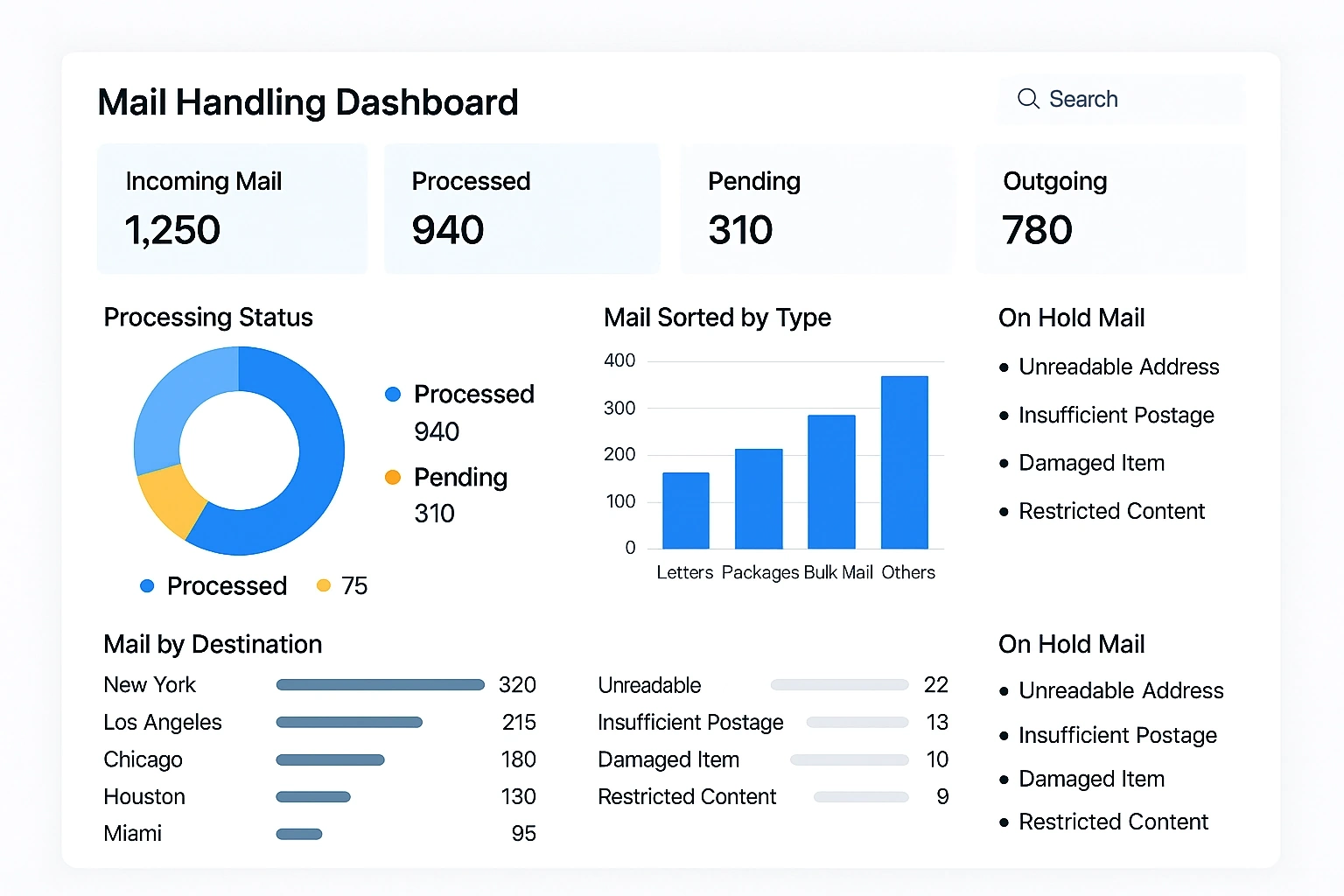
Embedding is at the heart of what you want: charts that live inside a SharePoint site so users can see them in context, without jumping to a separate BI portal. StyleBI open source is well-suited to this because it produces web-based visualizations that can be embedded using standard web techniques.
You can:
- Embed dashboards via iframe or web parts: Host StyleBI dashboards on an internal URL and embed them into SharePoint pages so they appear as part of the site.
- Control access at the platform level: Use your existing authentication (for example, single sign-on or internal accounts) to govern who can see what, rather than paying per viewer.
- Maintain a consistent look and feel: Style the dashboards so they visually align with your SharePoint branding, making the experience feel cohesive.
Because the platform is open and web-native, you are not fighting against proprietary embedding rules or special “publish to web” licensing tiers. You simply integrate it like any other internal web application.
6. No per-viewer licensing barrier for casual consumers
You were very clear that you do not want to buy a license for every person who only needs to view a visual. That is one of the most compelling reasons to consider StyleBI open source. Once you have it deployed, you can treat it as shared infrastructure rather than a metered service.
This has several practical benefits:
- Broad adoption: You can invite more teams, managers, and stakeholders to use the dashboards without worrying about incremental cost.
- Lower friction: You do not have to track who has a license, who needs one, or whether someone’s access is “worth” paying for.
- Simpler governance: Access becomes a question of roles and permissions, not budget approvals for each new viewer.
For an organization that wants to encourage data visibility but does not have a huge BI budget, this model is far more sustainable.
7. Open source flexibility and long-term control
Choosing an open source BI platform like StyleBI is not just about saving money today; it is also about owning your future. With open source, you are not locked into a single vendor’s roadmap, pricing changes, or sudden feature deprecations. You have the option to customize, extend, or integrate the platform in ways that match your environment.
For example, over time you might:
- Integrate with internal systems: Connect StyleBI to your authentication provider, logging stack, or monitoring tools.
- Tailor the UX: Adjust themes, layouts, or navigation to better fit how your users consume information.
- Contribute or adopt extensions: Use community plugins or build your own to support new chart types, data sources, or workflows.
As an IT generalist, this level of control is empowering. You are not just a “tenant” in someone else’s cloud; you are the owner of a BI environment that can evolve with your organization’s needs.
8. Constructive reality check: are your expectations reasonable?
Your wish list is actually quite reasonable: connect to a cloud API, build basic charts, embed them in SharePoint, refresh a few times per day, and avoid per-viewer licensing. None of that is unrealistic. Where many people run into trouble is assuming that a single commercial SaaS BI tool will deliver all of that at low cost with no trade-offs.
StyleBI open source does introduce some responsibilities: you (or your team) will need to handle deployment, updates, and basic administration. But given your IT background, those are likely within your comfort zone, especially compared to the ongoing cost and constraints of a fully proprietary platform.
In exchange for a bit more ownership, you gain flexibility, predictable costs, and the freedom to design exactly the experience you want for your SharePoint users. For someone in your position—new to BI but comfortable with technology—that is a very attractive trade.

Conclusion
When you put your requirements side by side with what StyleBI open source offers, the alignment is strong: no per-viewer licensing, support for API-based data, embeddable web dashboards, controllable refresh schedules, and a learning curve that respects your IT skills without demanding deep BI expertise on day one. It gives you room to experiment, grow, and share insights widely inside your organization without being boxed in by cost or vendor constraints.
If your goal is to build practical, embedded dashboards that stay reasonably fresh throughout the day and can be viewed by many people without licensing headaches, StyleBI open source is not just a viable alternative to Power BI—it is arguably a better strategic fit for the way you want to work.