Business Intelligence Services with Free Trial Periods
Free trials have become one of the most important ways organizations evaluate business intelligence (BI) platforms. BI tools are complex, touching data warehouses, cloud applications, spreadsheets, operational systems, and governance frameworks. Because of this complexity, buyers want hands-on experience before committing to a subscription or enterprise license.
This article focuses specifically on BI vendors that offer free trial periods, including InetSoft, Power BI, Tableau, Qlik, Looker Studio, and Domo. It explains what each trial includes, how they differ, and how organizations can use trial periods to make confident BI purchasing decisions.
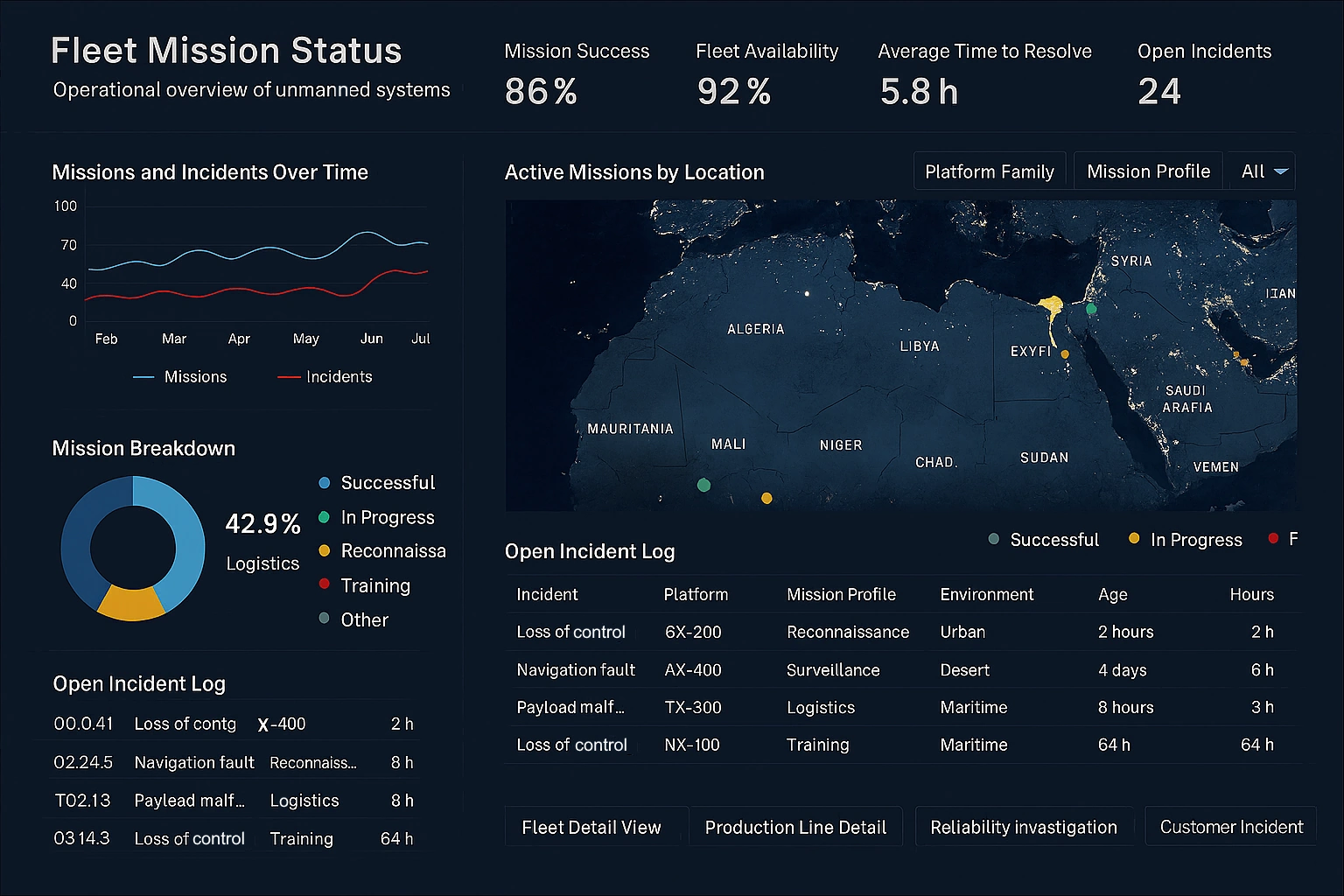

Why free trials matter in BI evaluation
A BI platform may look impressive in a demo, but real-world performance depends on your data, your users, and your workflows. Free trials allow you to test the platform in your environment, with your data, and with your teams. They reduce risk, accelerate adoption, and reveal strengths and limitations that are not always visible in marketing materials.
Free trials help organizations evaluate:
- Data connectivity: How easily the platform connects to your ERP, CRM, warehouse, and cloud apps.
- Dashboard design: Whether the tool supports clear, executive-ready layouts.
- Performance: How fast dashboards refresh and respond to filters and drill-downs.
- Governance: Role-based access, row-level security, and scheduled refresh options.
- User experience: How business users and executives respond to the interface.
Because BI platforms vary widely in architecture and design philosophy, trial periods are often the most accurate way to determine whether a tool fits your organization.
BI vendors that offer free trials
Many BI vendors offer free trials, but the structure and scope of those trials vary. Some provide full-feature access for a limited time, while others offer permanent free tiers with limited capabilities. Below is a detailed comparison of major BI vendors that provide trial access.
InetSoft
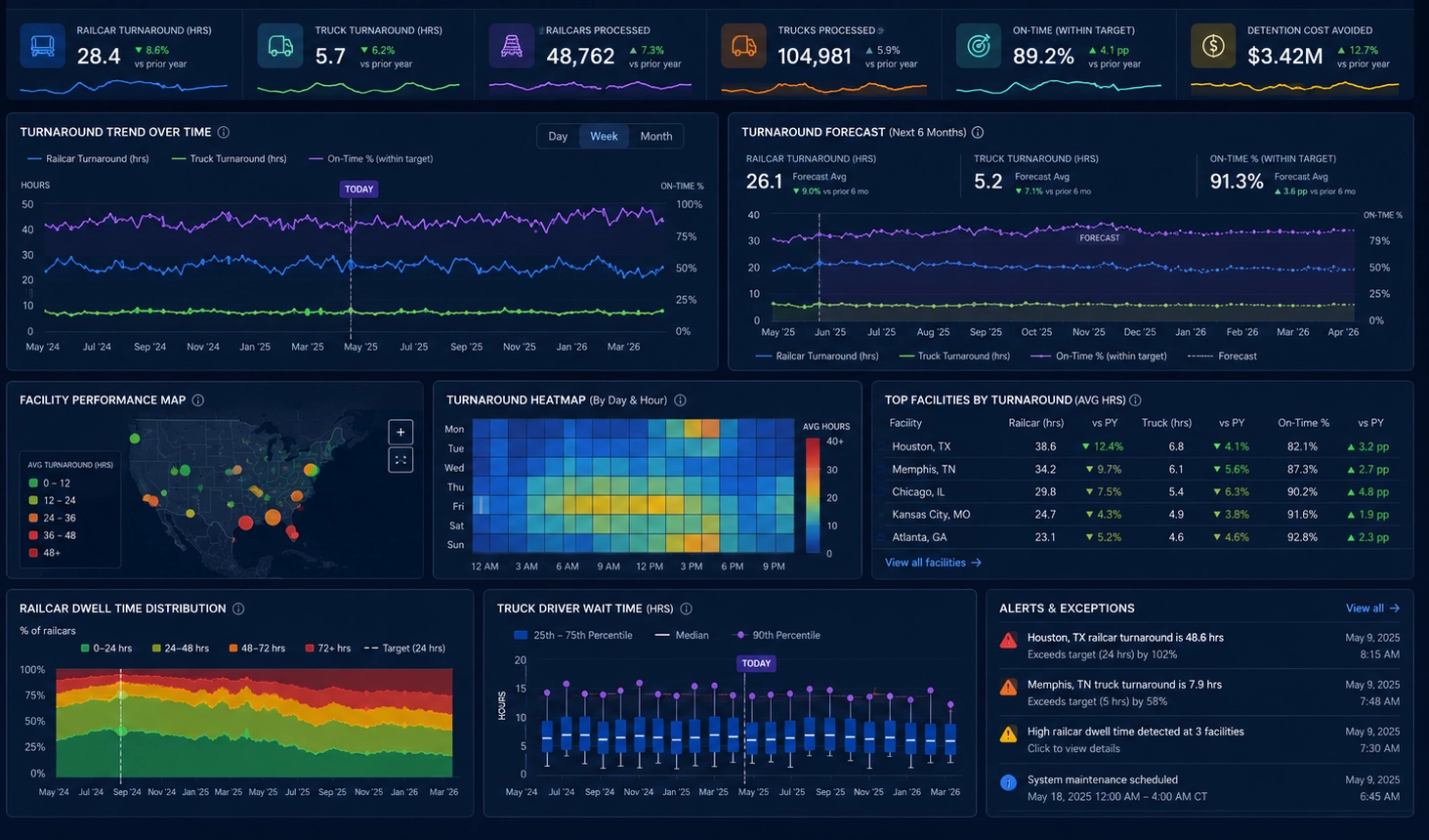
InetSoft offers a free trial of its enterprise BI and dashboard platform, giving organizations hands-on access to its powerful data integration, semantic modeling, and dashboard design capabilities. InetSoft’s trial is designed to showcase how quickly teams can build governed, presentation-ready dashboards without the overhead of heavier BI ecosystems.
- Trial structure: A time-limited trial that provides access to core features including data connectivity, dashboard creation, governed modeling, and role-based access.
- Data integration: Connect to databases, cloud apps, spreadsheets, and enterprise systems. The trial supports mashups and semantic modeling so you can define KPIs once and reuse them across dashboards.
- Dashboard design: Build executive dashboards with responsive layouts, drill-downs, filters, and KPI tiles. InetSoft’s design flexibility is a major advantage during trial evaluations.
- Governance: Test row-level security, role-based access, and scheduled refresh options.
- Best for: Organizations that want a governed, customizable BI platform with strong data integration and presentation capabilities.
InetSoft’s trial is particularly valuable for teams that need a balance of enterprise governance and flexible dashboard design. It allows organizations to test real-world scenarios without requiring complex setup.
Microsoft Power BI
Power BI offers multiple trial options depending on the plan. Power BI Pro typically includes a 60-day free trial, while Power BI Premium often provides trial access through Microsoft 365 admin portals.
- Trial structure: Time-limited access to Pro or Premium features.
- Data connectivity: Extensive connectors for cloud apps, databases, and enterprise systems.
- Dashboard creation: Build reports using Power BI Desktop and publish to the cloud service.
- Governance: Test workspaces, row-level security, and sharing workflows.
- Best for: Organizations already invested in Microsoft technologies.
Power BI trials are ideal for teams that want deep integration with Excel, Teams, and SharePoint.
Tableau
Tableau offers a full-feature trial of Tableau Cloud or Tableau Desktop, typically lasting 14 days. The trial provides access to Tableau’s powerful visualization engine and interactive dashboard capabilities.
- Trial structure: Time-limited full access to Tableau Cloud or Desktop.
- Data connectivity: Connect to cloud apps, databases, and files.
- Dashboard creation: Build highly interactive dashboards with filters, actions, and drill-downs.
- Governance: Test permissions, publishing workflows, and sharing options.
- Best for: Organizations that prioritize visual storytelling and interactive exploration.
Tableau’s trial is especially useful for teams that want to evaluate its visual design flexibility and exploratory analytics capabilities.
Qlik Sense
Qlik Sense offers a free trial of its cloud platform, giving users access to its associative engine and self-service analytics capabilities.
- Trial structure: Time-limited cloud trial with full access to core features.
- Data connectivity: Connect to cloud apps, databases, and files.
- Dashboard creation: Build dashboards that support flexible exploration using Qlik’s associative model.
- Governance: Test security rules, app publishing, and sharing workflows.
- Best for: Organizations that value flexible exploration and governed self-service analytics.
Qlik’s trial is ideal for teams that want to evaluate how its associative engine reveals relationships across data that may be hidden in traditional query-based tools.
Looker Studio
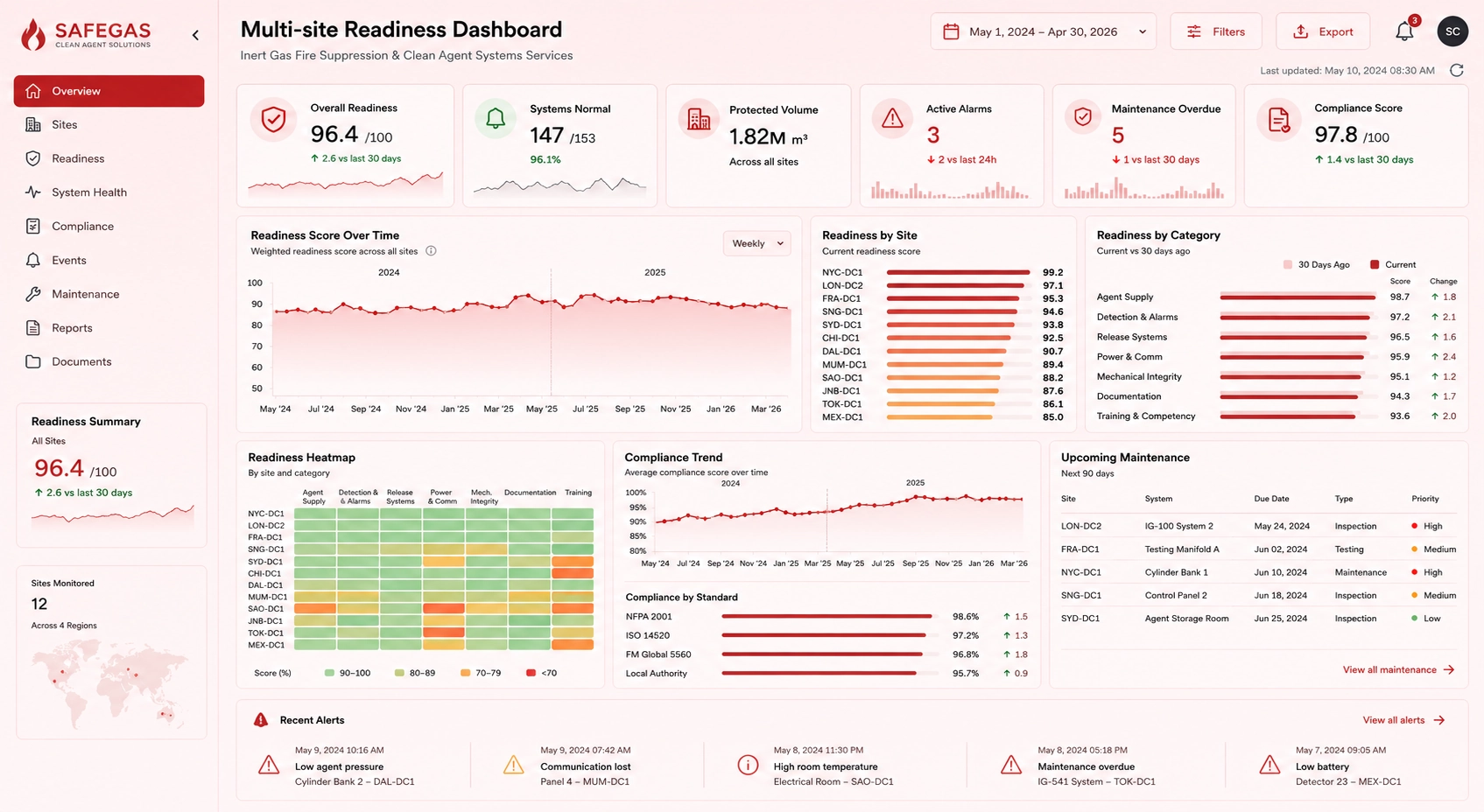
Looker Studio (formerly Google Data Studio) offers a permanent free tier, making it one of the most accessible BI tools for small teams and individual analysts.
- Trial structure: Permanent free tier with unlimited dashboards.
- Data connectivity: Connect to Google services and third-party connectors.
- Dashboard creation: Build simple dashboards with charts, tables, and filters.
- Governance: Limited compared to enterprise BI tools.
- Best for: Small teams, marketing analytics, and lightweight reporting.
Looker Studio’s free tier is not a full enterprise trial, but it provides enough functionality to evaluate basic reporting needs.
Domo
Domo offers a free trial of its cloud BI platform, allowing organizations to test its real-time dashboards, data pipelines, and collaboration features.
- Trial structure: Time-limited cloud trial with access to core features.
- Data connectivity: Connect to cloud apps, databases, and files.
- Dashboard creation: Build dashboards using Domo’s card-based interface.
- Governance: Test sharing, permissions, and dataflow management.
- Best for: Organizations that want real-time dashboards and cloud-native workflows.
Domo’s trial is useful for teams that want to evaluate its always-on dashboards and collaborative analytics environment.
Comparing BI free trials
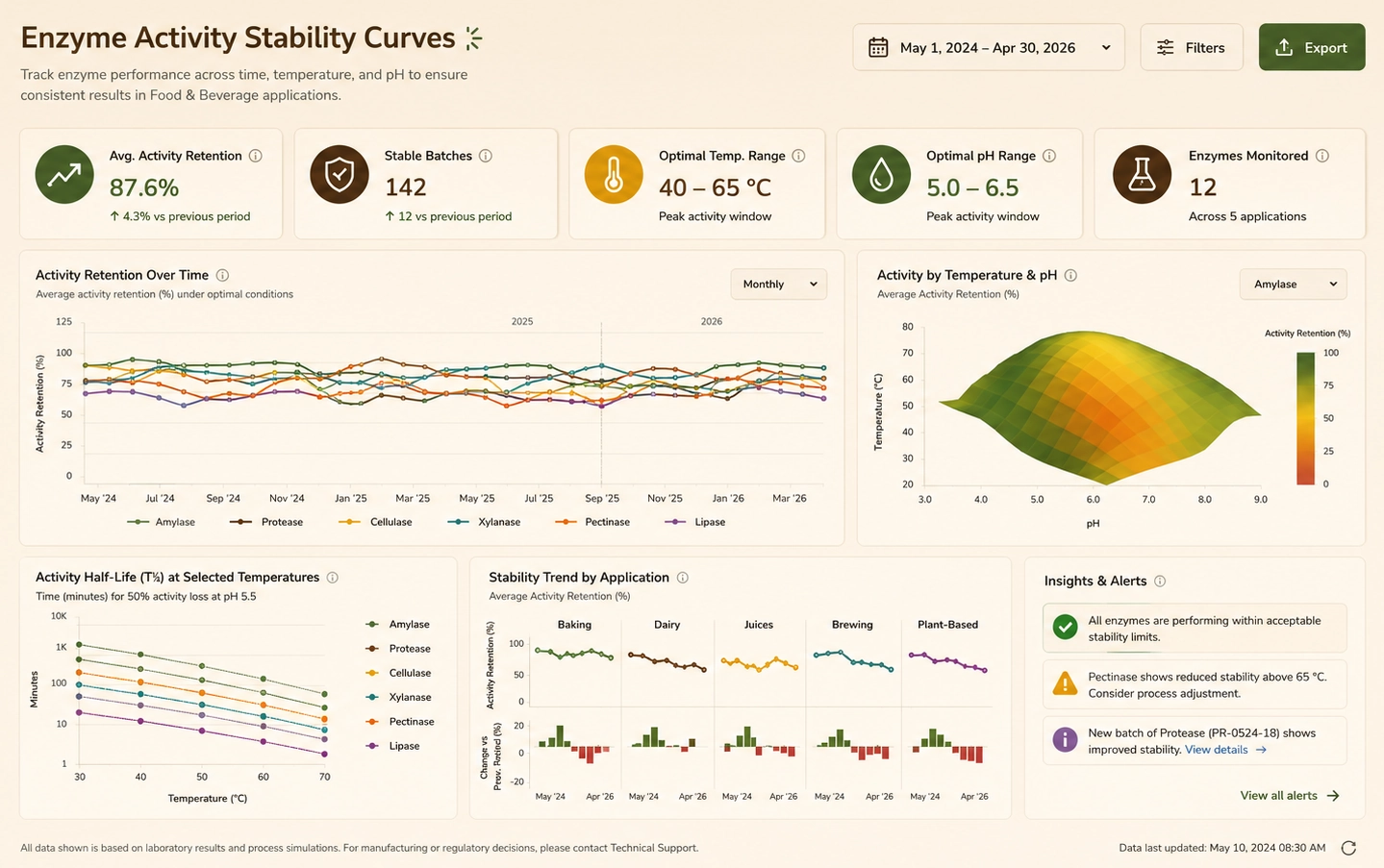
While all these vendors offer free trials, their trial structures differ significantly. Below is a comparison of key factors that influence trial effectiveness.
Trial length
- InetSoft: Time-limited, typically sufficient for full evaluation.
- Power BI: Up to 60 days for Pro trials.
- Tableau: 14 days.
- Qlik Sense: Time-limited cloud trial.
- Looker Studio: Permanent free tier.
- Domo: Time-limited cloud trial.
Feature access
- InetSoft: Full access to core BI and dashboard features.
- Power BI: Full Pro or Premium features depending on trial.
- Tableau: Full access to visualization and dashboard tools.
- Qlik Sense: Full access to cloud features.
- Looker Studio: Limited compared to enterprise BI.
- Domo: Broad access to cloud BI features.
Best use cases
- InetSoft: Executive dashboards, governed modeling, flexible customization.
- Power BI: Microsoft-centric environments.
- Tableau: Visual storytelling and exploration.
- Qlik Sense: Associative exploration and self-service analytics.
- Looker Studio: Lightweight reporting and marketing analytics.
- Domo: Real-time dashboards and cloud-native workflows.
How to evaluate BI platforms during a free trial
To make the most of a BI trial, treat it like a structured evaluation project. Focus on real-world use cases and involve both technical and business stakeholders.
- Define success criteria: List the KPIs, dashboards, and governance features you need.
- Connect real data: Use representative data sources, not just samples.
- Build real dashboards: Create executive, operational, and analytical views.
- Test performance: Evaluate refresh speed, interactivity, and concurrency.
- Evaluate governance: Test permissions, security, and sharing workflows.
- Gather user feedback: Ask executives, analysts, and business users to test dashboards.